- 00000018WIA3087C770GYZ
- id_400261011.5
- Aug 19, 2022 11:37:30 AM
Multi-Phase
Multi-Phase allows prescription of a series of consecutive scans (or phases) separated by configurable delays. It is compatible with a wide range of pulse sequences and imaging options.
Use Multi-Phase with the:
- Interleave mode to temporally resolve time course studies.
- Sequential mode for joint motion studies of the knee, TMJ, and wrist.
The Multi-Phase tab only appears if the protocol has the Multi-Phase Imaging Option selected.
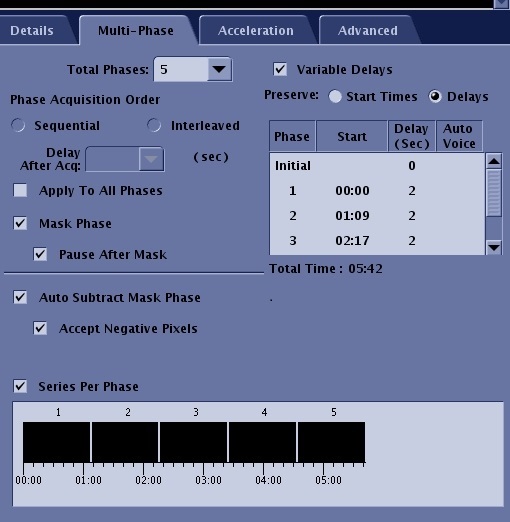
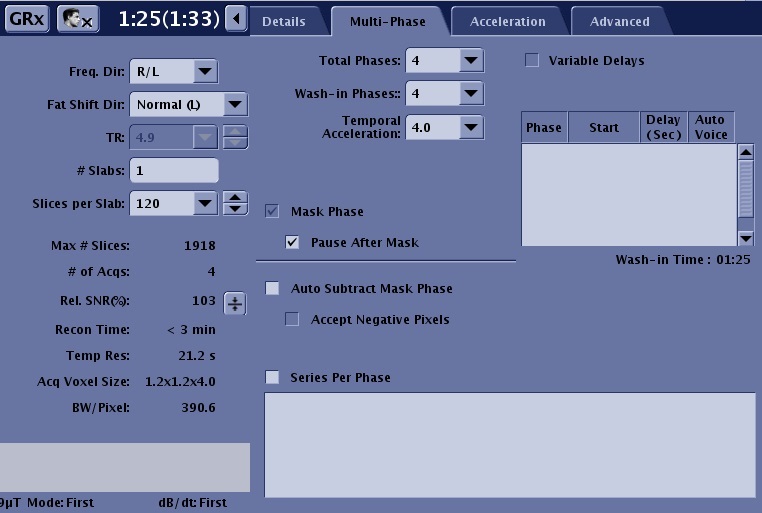
For more details, see DISCO Star.
| Parameter | Description |
|---|---|
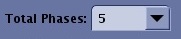
| Total Phases
| Enter the total number of phases to be scanned (1 to 512) after the mask phase. The value should not include the mask phase. |
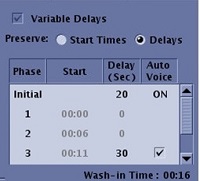
| Variable Delay
| It's availability is dependent on the selected PSD. If it is not available, then you are unable to enter specific times for each phase. The values are rounded to 1 second. The range is 0 to 300 seconds. The Preserve options determine if the start time is kept or the delay time is kept for each phase when the scan time is changed.
|
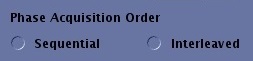
| Phase Acquisition Order
| Determines the order the phases are acquired. |
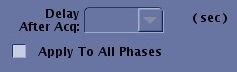
| Delay After Acquisition
| It is the time, in seconds, for each phase delay after the end of the scan for the corresponding phase. |
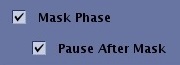
| Mask Phase and Pause After Mask
| Select Mask Phase to create a mask phase and select Pause after Mask to pause the scan after the mask phase. |
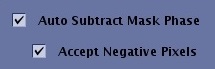
| Auto Subtract
| This option automatically subtract the original phase from all subsequent phases. Select Negative Pixels to enable negative pixel values in the resulting images. If this function is not enabled, all negative pixel values are set to zero. This operation is useful on pre- and post-contrast studies of the same slice location. |
| Series per Phase
| Places one series per phase instead of all phases into a single series. |
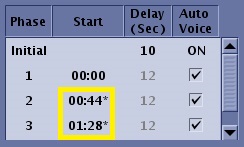
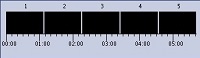
| Visual dipslay
| The visual display illustrates the acquisition time line. |