In the Workflow Manager, select the desired series and click Setup.
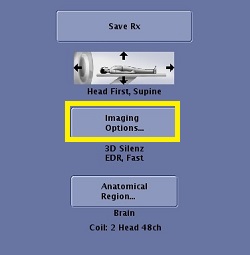
In the Series Summary panel, click the Imaging Options... button.
Figure 1. Series summary panel
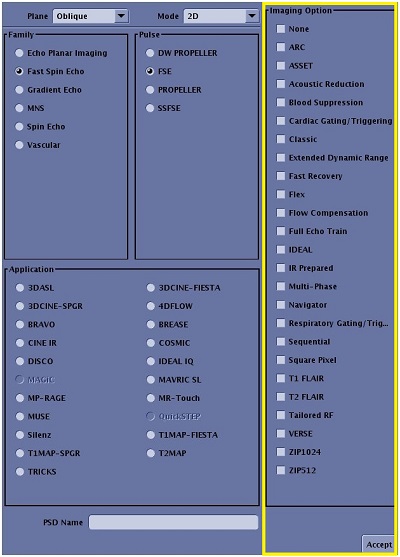
From the Imaging Options screen, complete the following steps.
Choose the desired options.
If the option is grayed out or not on the list, it is not available with the currently selected pulse sequence and imaging mode. Figure 2. Example of an Imaging Options screen & PSD screen