- 00000018WIA304D1970GYZ
- id_400230001.4
- Aug 28, 2022 3:40:16 PM
Fat Saturation Efficiency
Use Fat Saturation Efficiency to control the amount of fat that is saturated when either Fat SAT or Classic Fat SAT are selected from the Scan Parameters area. For more information, see Prescribe a chemical SAT pulse.
- The default setting is 0.65 and the range is from 0.5 to 1.0.
- You cannot turn off Fat SAT with this User CV. If you want Fat SAT off, turn it off from the Scan Parameters area.
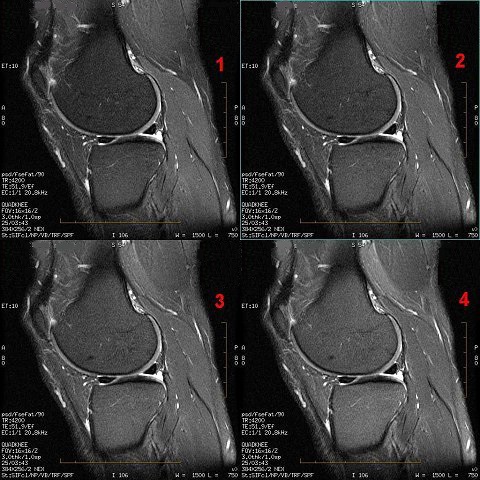
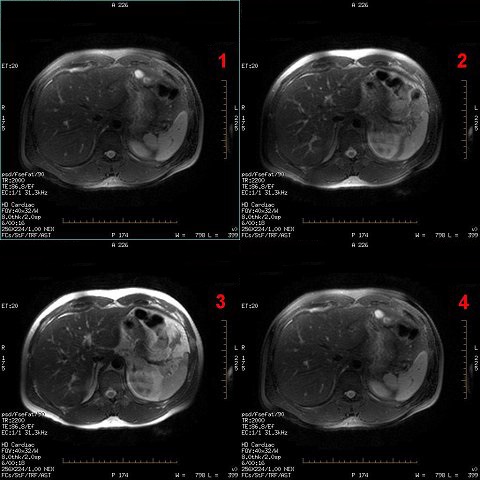
- Adjust the Fat Saturation value based on the amount of saturation desired from the fat signal. As the fat saturation value increases, more fat is suppressed:
- Set the value to 0.5 to make fat the brightest possible intensity.
- Set the value to 1.0 to make fat the darkest intensity.