

- 00000018WIA307A0970GYZ
- id_400226651.3
- Aug 28, 2022 3:21:41 PM
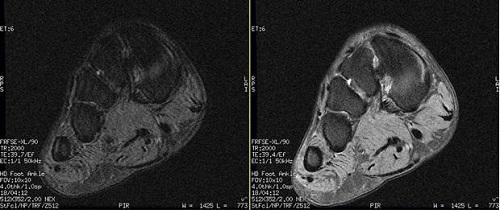
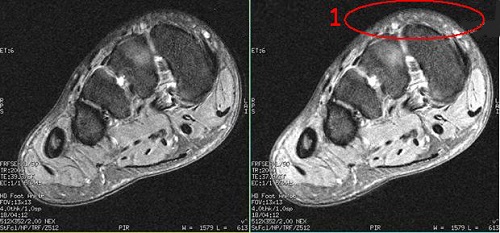
Extreme High Resolution Optimization
Use Extreme High Resolution Optimization to reduce motion artifact for high resolution scanning. The tradeoff is an increase in echo spacing and fine line artifacts.
- Extreme High Resolution Optimization On = 1
- Extreme High Resolution Optimization Off = 0 (default)
Considerations
- Extreme High Resolution Optimization is available with all FSE scans when Flow Compensation is turned Off. If Flow Compensation is turned On, the User CV does not display on the Advanced tab.
- The extreme high resolution optimization feature is only active when User CV9 is turned on and the frequency pixel size is ≤ 16 cm/512.
- Only turn on Extreme High Resolution Optimization if the Bandwidth parameter is greater than 32 KHz.
- If your clinicians are concerned about fine line artifact, turn off Extreme High Resolution Optimization.