- 00000018WIA30DB6970GYZ
- id_400230981.3
- May 10, 2022 3:49:36 AM
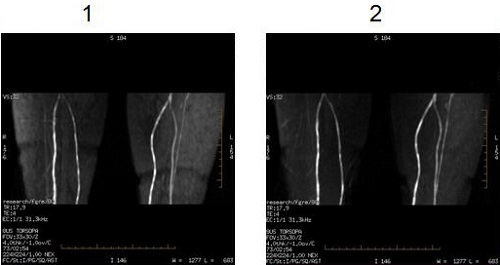
Optimized SATgap for SLIP
Satgap for SLIP, optimizes the spatial saturation gap to reduce fat signal within the slice.
Satgap for SLIP is used with Inhance Inflow scans.
The User CV does appears on the Advance tab after a spatial SAT pulse has been applied from the Graphic Rx toolbar. See Spatial SAT procedure for details about applying a spatial SAT pulse.
- Enter 1 (on) to optimize the spatial satgap, which reduces the image fat signal to suppress fat within the slice for runoff exams.
- Enter 0 (off, default) to use the Sat gap User CV value as the specified satgap.