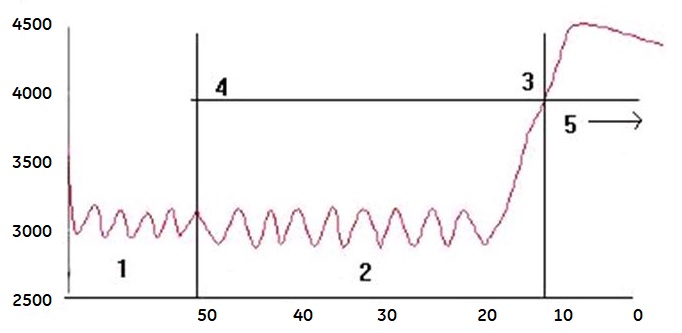
Use these steps to acquire a SmartPrep series to use a tracking pulse to synchronize image acquisition with the arrival of a contrast bolus to acquire vascular images.
Step-by-step instructions
Click Save Rx.
Select the and click Auto Prescan > Scan.
Result
Auto Prescan performs the prescan procedure without using previous data.
Watch the message area. Do not inject until you see the "Begin Contrast Injection" message.


 and click .