

- 00000018WIA306AE870GYZ
- id_400218551.4
- Aug 15, 2022 3:19:11 PM
Flip Angle - Refocus
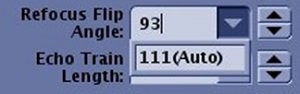
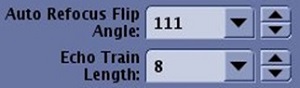
The Refocus Flip Angle scan parameter allows you to change the flip angle of the refocusing pulse. Auto can be applied in most cases but the value is typically optimized manually in T2 FLAIR, SSFSE, and musculoskeletal scans.
From the Refocus Flip Angle menu, click on the field and select Auto. Once you select Auto, the screen parameter name changes to indicate that Auto is selected and the flip angle value is displayed in the text field.
Reducing the flip angle results in the following:
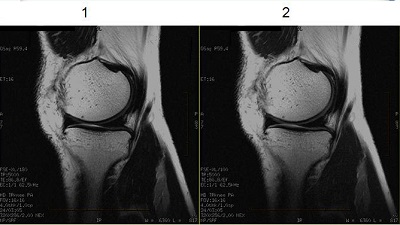
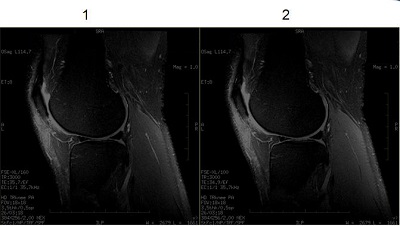
- It reduces magnetization transfer effects, which increases signal for tissues with short T1.
- It increases the signal from tissues with Short T2 such as muscle and cartilage.
- Selecting a flip angle less than 90° may result in increased ghosting in phase direction.
| Number | Description |
|---|---|
| 1 | Refocus flip angle = 180° |
| 2 | Refocus flip angle = 100° |
| Number | Description |
|---|---|
| 1 | Refocus flip angle = 160° |
| 2 | Refocus flip angle = 100° |