

- 00000018WIA3098D770GYZ
- id_400238091.6
- Mar 28, 2022 10:56:09 AM
Display tab
Open the Viewer. From the Viewer control panel, click the Display tab.
Note: The  does not appear when the Viewer is accessed from scan.
does not appear when the Viewer is accessed from scan.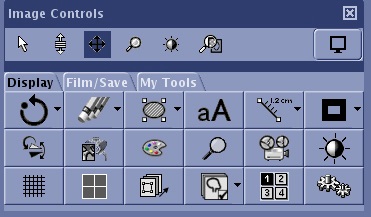
| Icon | Description |
|---|---|

| Display Normal Reset All |

| Erase/hide objects |
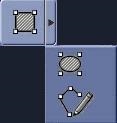 | ROI tool |
 | Annotation |
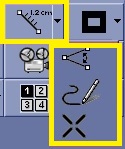 | Measurements |
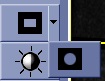 | Matte |
 | Flip/rotate |
 | Add an intensity correction or intensity filter from the Scan Parameters screen in a scan session. |
 | Color map |
 | Zoom/magnify |
 | Cine/movie |
 | Window width/level |
 | Grid |
 | Format |
 | Propagate |
 | Reference image |
| Screen layout |
 | Tools screen |


