

- 00000018WIA3043E770GYZ
- id_400269081.3
- Mar 28, 2022 12:22:14 PM
Scroll or Pan/Roam
About this task
Step-by-step instructions
- Scroll or Pan/Roam images can be done from either of the following locations.
Figure 1. Scroll icon on the Image Controls panel 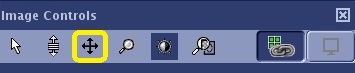
Figure 2. Pan/Roam icon on the right-click menu 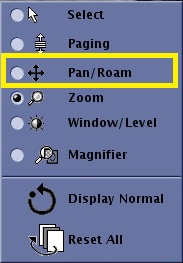
- Click the Display Normal icon (
 ) to remove scroll from the images.