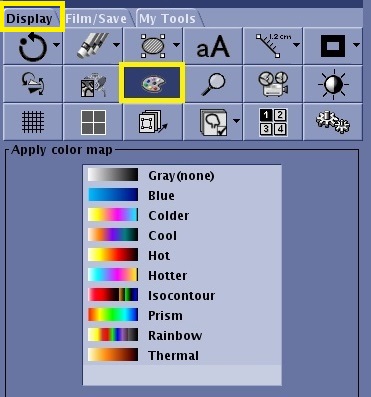
Object ID: 00000018WIA30ABD770GYZTopic ID: id_40025742 Version: 1.3Date: Mar 28, 2022 11:24:14 AMColor Map About this taskUse the Color Map tool for time course acquisitions, DWI ADC maps, cartigram, and dynamic enhancement exams to change the color for all viewports.Step-by-step instructionsOpen the Viewer.From the Display tab, click the Color Map icon. Figure 1. Color Map icon on Display tab Select an option from the menu.To remove a color map, select none or gray from the Color Map menu.