- 00000018WIA3033E770GYZ
- id_400266811.3
- Mar 28, 2022 10:38:37 AM
Viewport control
About this task
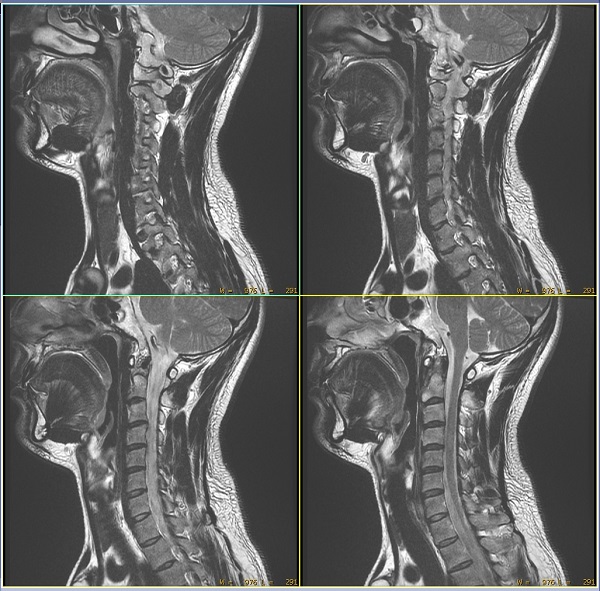
Viewports can either be active or inactive and primary or secondary. The default is for the upper left viewport to be primary and active, while the remaining viewports are secondary and active. Active viewports are affected by display functions, while inactive viewports are not. The primary viewport is the one first affected by the display function. Secondary and active viewports are connected to the primary viewport and can be affected by display functions. For example, if you window and level on the primary viewport, the same window and level appear on the secondary and active viewports.
The border around the image for primary and active viewports is blue. Secondary and active viewports borders are yellow. Inactive viewports have either no borders or black borders.
Use these steps to control active viewports.
Step-by-step instructions
- Place the cursor over a viewport that you want to isolate from the other viewports and double-click. This allows you to perform the following functions on the selected image.
- Zoom or magnify
- Apply filters
- Pan or scroll
- Flip/rotate
- Window width and level adjustment
Figure 1. Isolated viewport 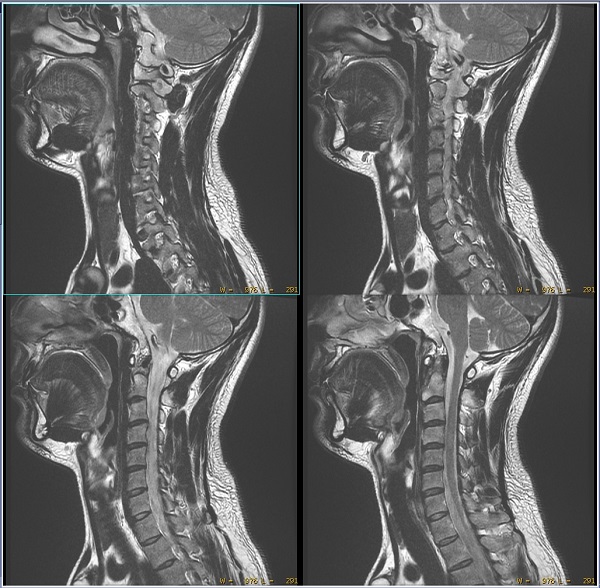
- Place the cursor on a different viewport and single-click to connect it to an isolated viewport.
Figure 2. Two connected viewports 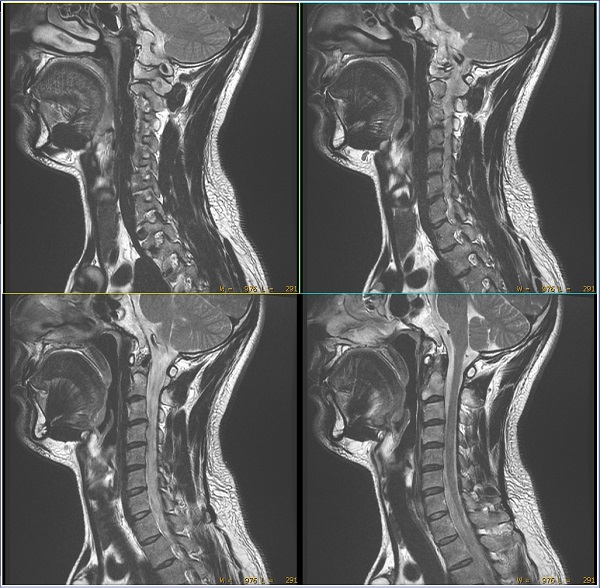
- Triple-click on any viewport to connect all the images within the series.
Figure 3. All viewports connected