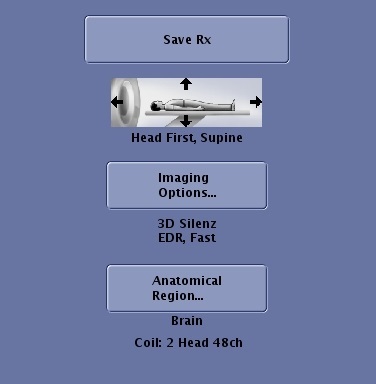
| Save Rx 
| Save Rx saves and downloads the active (yellow background) series in the Workflow Manager Task. Once you click Save Rx, you can click Scan to start the acquisition. |
| Patient position and orientation 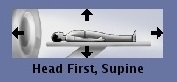
| The selection made from the Patient Position button must match the patient's actual orientation and position. For details, see Patient Orientation |
| Imaging Options 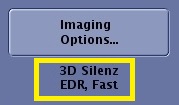
| The mode, PSD or one-click Applications and Imaging Options for the active (yellow background) series in the Workflow Manager Task are displayed below the Imaging Options... button. For more information, see: |
| Anatomical Region... 
| The Anatomical Region... button opens the Set Anatomy screen. The specific anatomical region associated with the selected series displays below the button. For details, see Anatomical Region for tasks. |
| Coil 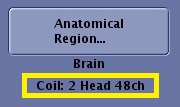
| The selected Coil Configuration is displayed at the bottom of the Series Summary panel. For coil details, see AIR TouchTM Coil tab |