- 00000018WIA3095E770GYZ
- id_400214441.3
- Aug 12, 2022 5:48:46 PM
Protocol Notes
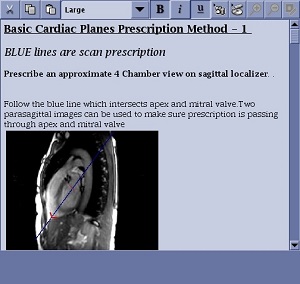
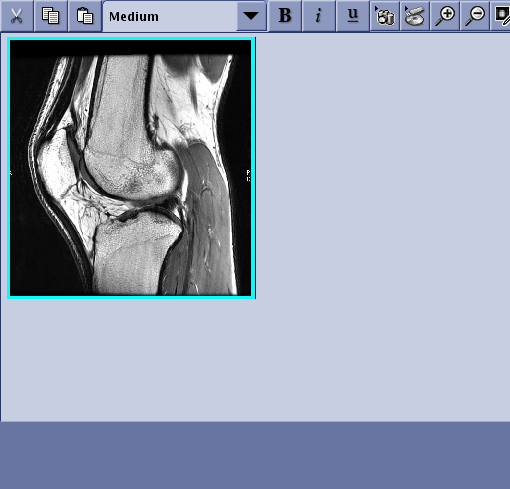
Protocol Notes allow you to type text or add images that are related to the series that is currently in a setup state INRX. The Protocol Notes tab appears below AutoView. The title of the note changes to the protocol name that is currently in an INRX state. This feature is only available on a series level.
Protocol Notes are intended to meet the following needs:
- Technologists need to communicate protocol specifications that are not related to the scan parameter value programmed into the protocol.
- The lead tech needs to communicate with the staff technologists when the radiologists have made changes to procedures.
Click the Protocol Notes tab in the lower-right corner of the monitor.
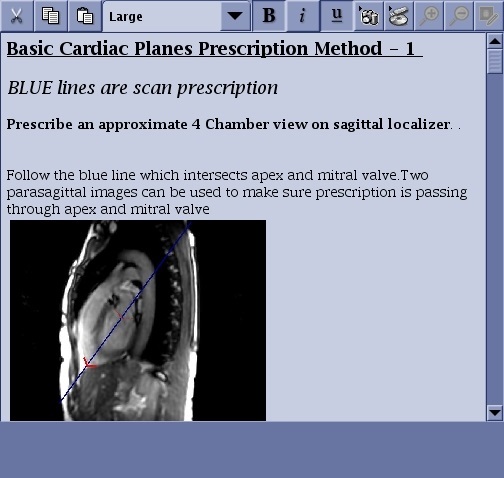
| Parameter | Description |
|---|---|
| Menu bar
| The menu bar icons allow you to:
|
| Protocol Note area
| This area displays the protocol note. |