The image is automatically sized when it is inserted into the Protocol Note. Use these steps to change the image size.
Step-by-step instructions
Click the Protocol Notes tab in the lower-right corner of the monitor to open the Protocol Notes screen.
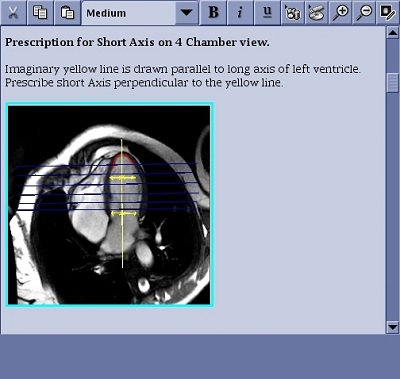
Place the cursor in the Protocol Note and click and drag the image to activate it. It is active when the image has a blue outline.
Figure 1. Image with a blue outline
Click the on the Protocol Notes tool bar to change the image size. The image cannot be magnified to a size greater than that which will fit in the Protocol Note window.


 on the Protocol Notes tool bar to change the image size. The image cannot be magnified to a size greater than that which will fit in the Protocol Note window.