- 00000018WIA30B1D770GYZ
- id_400245971.10
- Aug 11, 2022 4:51:12 PM
AIR TouchTM Coil tab
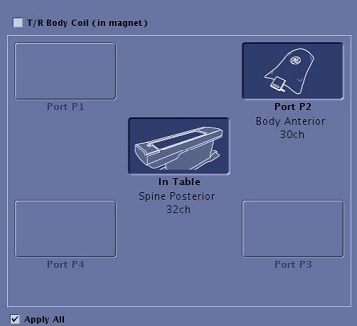
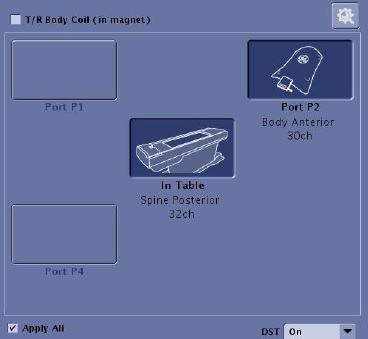
From the lower right corner of the screen, click Coil to view the Coil tab.
When a coil is selected with the currently active series, the Port or In Table coil displays as active. The coil name is listed below the Port name. This coil tab condition occurs if the coil is selected as part of the protocol, or the protocol has the Scan with any connected coil option selected when the protocols was created.
When the coil defined in the protocol is not the coil currently plugged into a port, a pop up message displays that informs you the coil saved in the protocol is not one of the currently connected coils.