- 00000018WIA30B95870GYZ
- id_400240311.5
- Aug 11, 2022 4:59:42 PM
AIR TouchTM auto coil select considerations
The information in this topic is related to the auto coil select feature.
Coil tab
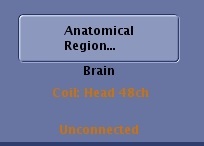
When you are prescribing a series and the connected coil does not match the coil in the protocol, then you must select the desired coil from the Coil tab. For example, if the shoulder coil doesn't fit on the patient and you need to use the AA coil, then the coil selection text on the scan Control Panel appears orange.
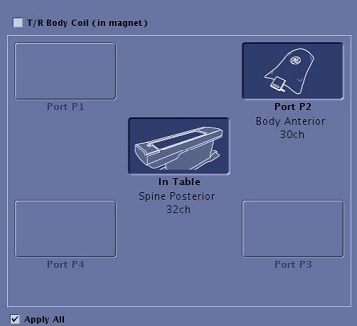
Click the Coil tab and click the connected coil port. Note that the coil name appears below the port name.
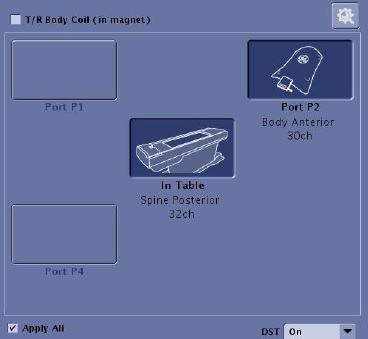
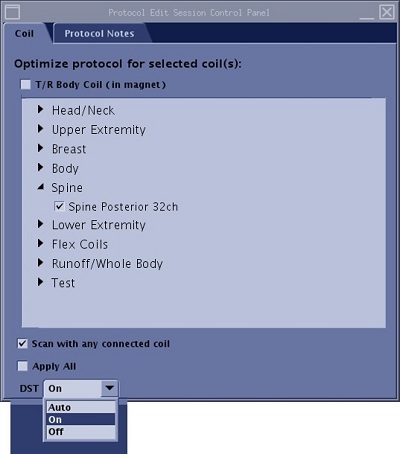
For DST details, see DST procedure.
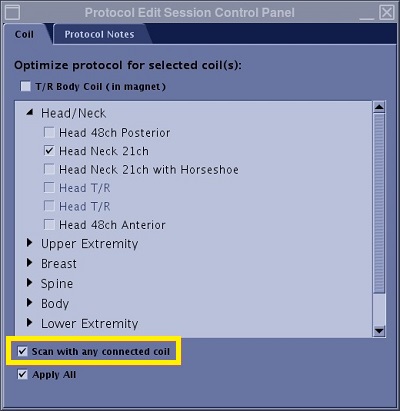
Scan with any connected coil protocol selection
If the protocol is set up with Scan with any connected coil selected from the protocol Coil tab, the system automatically selects the connected coils.