About this task
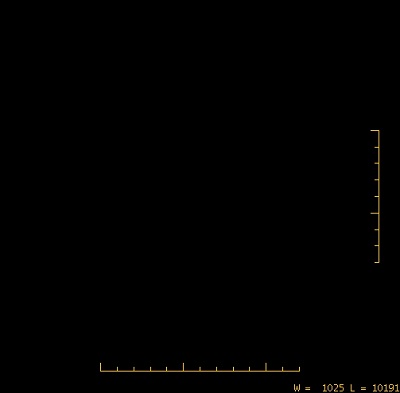
Use these steps to display vertical or horizontal Tick Marks on your images to use as a small ruler.Step-by-step instructions
- Open the Viewer.
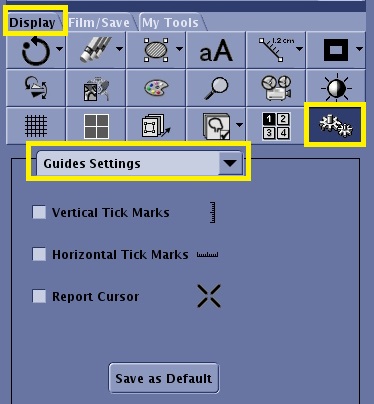
- From the Display tab, click the Tools icon.
Figure 1. Tools icon and Guided Settings panel from Display tab
- From the Tools menu, select Guides Settings.
- From the Guided Settings panel, select Vertical Tick Marks and/or Horizontal Tick Marks to turn them on.
- Click Save as Defaults to save the Tick Mark state across reboots.
Tick Marks are toggle options. Once they are turned on, they remain on until you select the option again to turn them off.