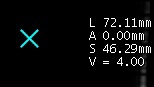
Use these steps to display a cursor to report the anatomical location and signal intensity values in the upper-right corner of the image.Figure 1. Cursor annotation
Step-by-step instructions
Open the Viewer.
Use these steps to display report cursor from the Measurement menu.
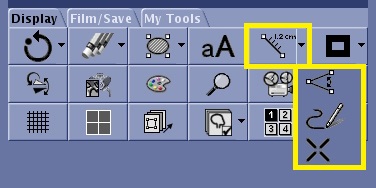
From the Display tab, click the Measure arrow and select the Report Cursor icon ().
Figure 2. Measure icon and menu on the Display tab
Click and drag the cursor and view the updated location and signal intensity values.
Use these steps to display the report cursor from the Tools screen.
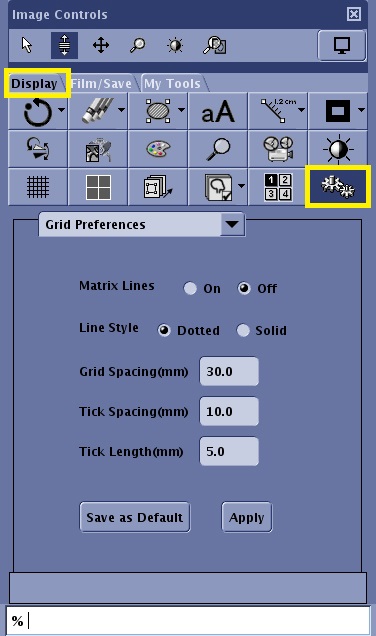
From the Display tab, click the Tools icon.
Figure 3. Tools icon, menu and panel on the Display tab
Select Guide Settings from the menu.
Select Report Cursor.
Click and drag the cursor and view the updated location and signal intensity values.
Click Save as Default to save the report cursor state across reboots.


 ).
).