- 00000018WIA30877970GYZ
- id_400223371.3
- Mar 28, 2022 11:56:05 AM
Minimize/Maximize
About this task
Step-by-step instructions
- From the Image Controls panel, click the Minimize/Maximize icon.
Figure 1. Minimize/Maximize icon on the Image Controls panel 
The viewport area changes to a 1-on-1 display.
Figure 2. 1-on-1 display 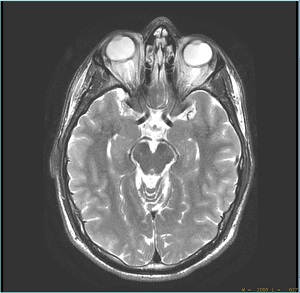
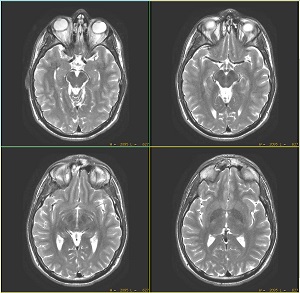
- Click Minimize/Maximize icon again, to reset the format. In this example, to a 4-on-1 display.
Figure 3. 4-on-1 display