About this task
Use the Command Line to type in specific commands that can act as shortcuts to perform certain functions. Step-by-step instructions
- Open the Viewer.
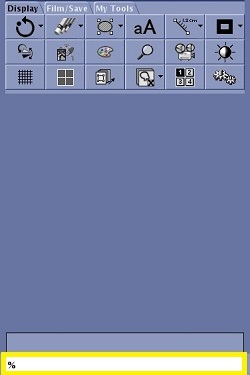
- At the bottom of the Control panel, type ? in the Command Line and press Enter.
Figure 1. Command Line type in field
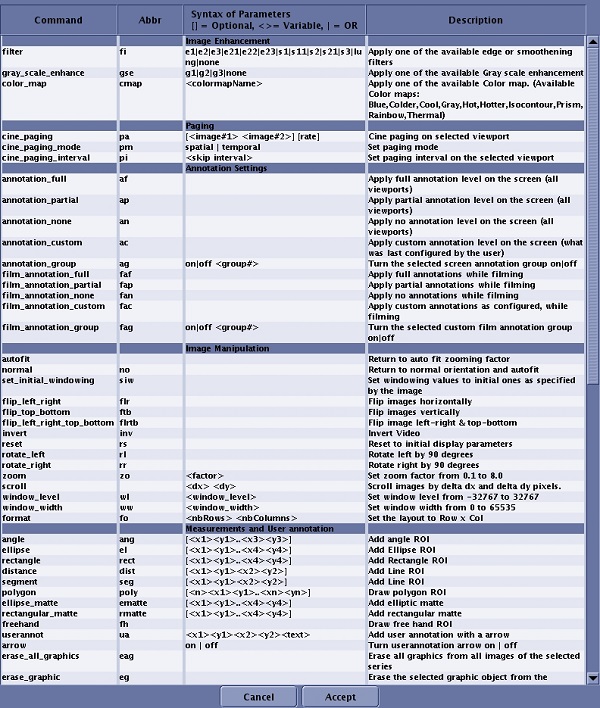
The
Command Line screen opens, listing all shortcut commands.
Figure 2. Command Line screen
- Select the desired command in the Command Line window.
- Click Accept.
- Place the cursor at the end of the command string in the Command Line and press Enter.
- The command is applied to all viewports in focus.
- As next and prior images are selected, the commands are also applied to all of those images.
- Not all command can be entered from the Command Line screen. Some commands must be typed in, for example, cross-reference commands.