- 00000018WIA3070D970GYZ
- id_400223521.0
- Jun 17, 2021 2:30:46 PM
W/L, zoom, page, scroll
About this task
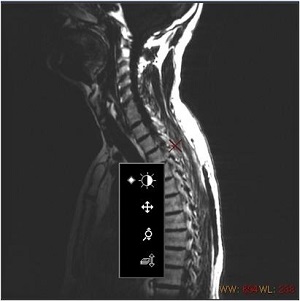
The right-click menu (on the image) and the buttons on the Paste control panel are correlated. Select a button on one of the two, and the other updates accordingly.
Use the middle-mouse buttons to apply W/L, scroll, zoom or page.
Use the right-mouse button to select and then apply W/L, scroll, zoom or page.
Step-by-step instructions
- Use the middle-mouse button to apply the image manipulation.
Figure 1. Left-mouse image manipulation menu