About this task
Use these steps to view a report on a PC that was exported using the Data Export application.Step-by-step instructions
- Place the CD/DVD or the USB port that contains the Data Export report, into the appropriate drive of a PC or laptop.
- The CD/DVD launches automatically.
- If it does not automatically start, click on your My Computer icon and open your CD/DVD or USB drive. Click INDEX to open the file.
- The report opens and displays from an internet browser. Figure 1. Sample report
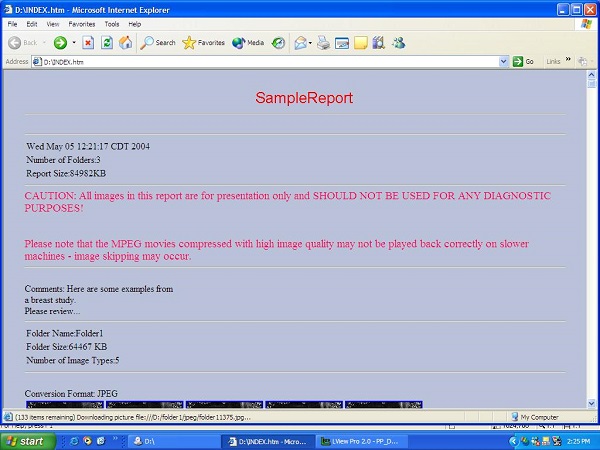
- Use the scroll bar to view images.
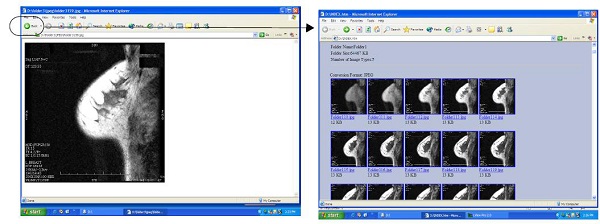
- Place the cursor over an image and click to magnify the image. Click the back arrow on the menu bar to return to the report. Figure 2. Back arrow
- When finished viewing the report, click to close the internet browser.
- Remove the CD/DVD or the USB device from the appropriate drive and store it.

