- 00000018WIA304DB770GYZ
- id_400263291.3
- Jan 13, 2022 10:53:44 AM
Show slices
About this task
You can select a preference for the slices to show or hide all the time from the System Preference screen. For details see Graphic Rx Slices.
Step-by-step instructions
- From the Graphic Rx toolbar, click the
 .
. - From the Graphic Rx Tools menu, click the Show Slices check box.
Result
The 2D slices display within the scan range.Figure 1. Show slices option On 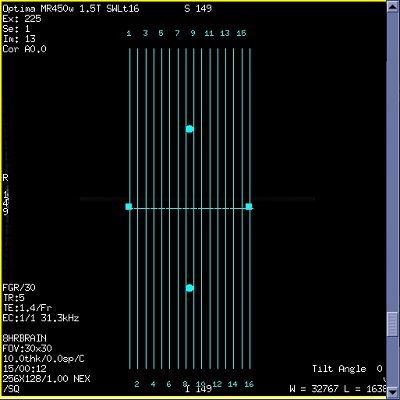
- From the Graphic Rx Tools menu, click the Show Slices check box again, to turn off the slices lines.
Result
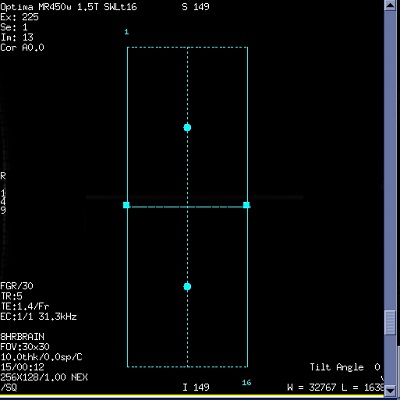
The first and last slices and the center of the slice range are displayed.Figure 2. Show slices option Off