- 00000018WIA30C7D770GYZ
- id_400262441.4
- Aug 17, 2022 12:55:28 PM
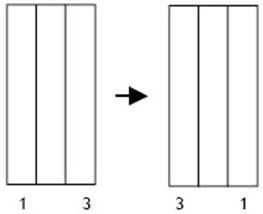
Reverse slice order
Before you begin
- Reverse Slice Order does not apply to any of the following graphic prescriptions:
- Radial graphic prescription
- Spectroscopy graphic prescription
- SAT graphic prescription
- SHIM Volume graphic prescription
About this task
Step-by-step instructions
- From the Graphic Rx toolbar, click the
 .
. - From the Graphic Rx Tools menu, click Reverse Slice Order.
Figure 1. The 2D slice order of the images is reversed 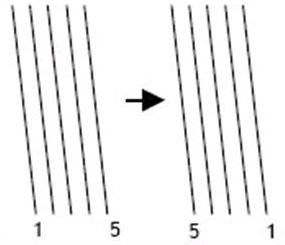
Figure 2. The 3D slice order of a single slab is reversed 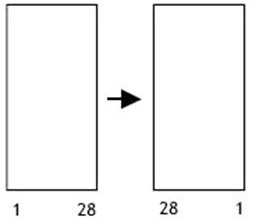
Figure 3. The 3D slab order of a multi-slab is reversed