Use these steps to check the IPM operations that have occurred and their status.
Step-by-step instructions
Open the Service browser.
From the Configuration tab of the Service browser, click Imaging Protocol Manager (IPM).
From the Service Browser, click the Logs tab.
Result
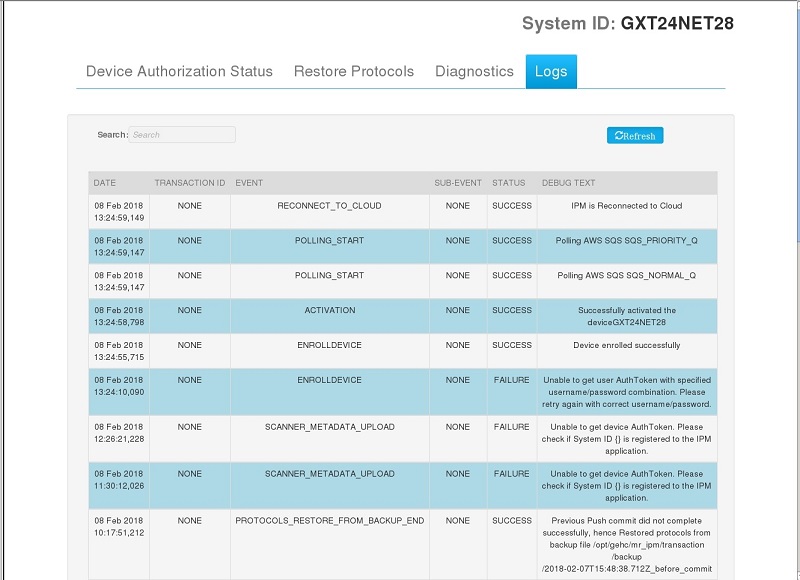
The screen displays the status of the transactions and the corresponding log details. Figure 1. Logs tab
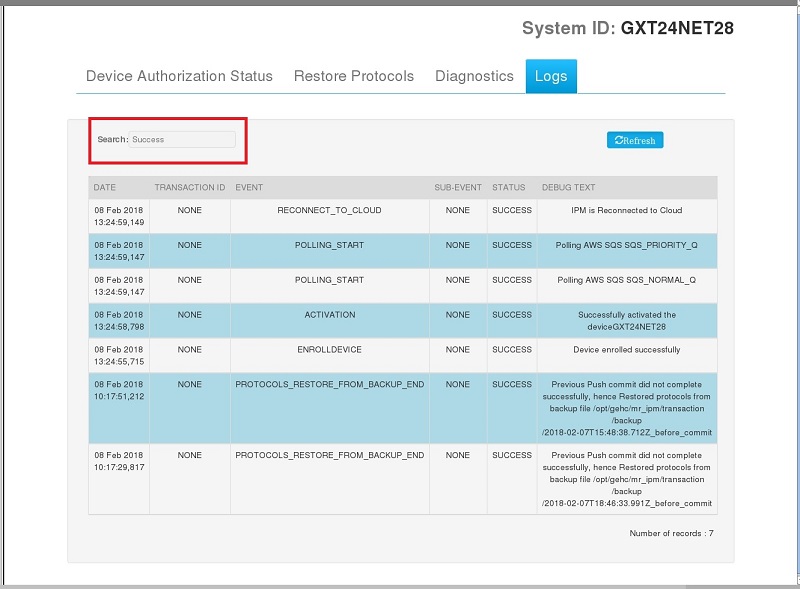
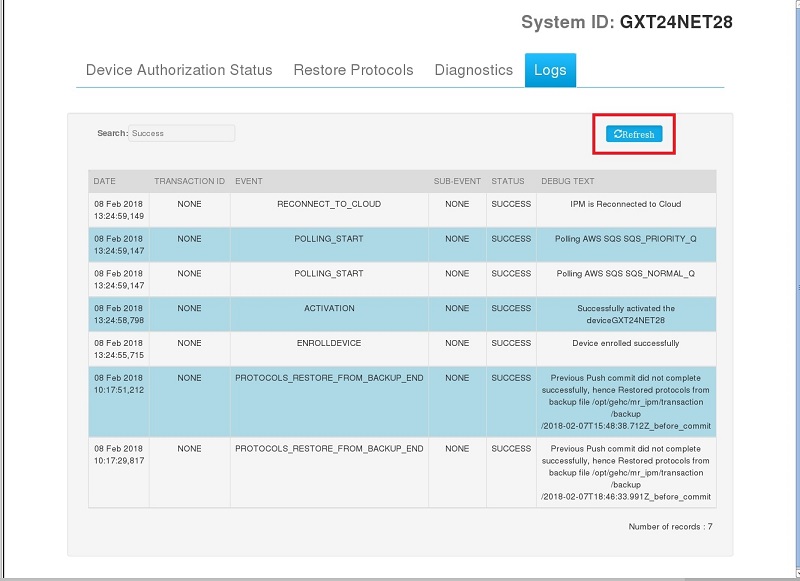
Enter text in the search field to display details of a specific transaction. For example type in PULLS to display the logs related to completed PULLS transactions.