

- 00000018WIA3031A870GYZ
- id_400244121.3
- Aug 12, 2022 5:54:49 PM
Delete an image in a Protocol Note
Step-by-step instructions
- Click and drag the image to activate it. It is active when the image has a blue outline.
Figure 1. Image with a blue outline 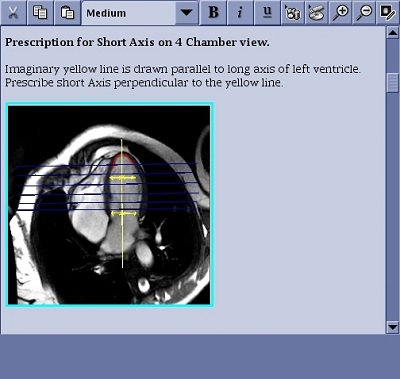
- Press Delete or click the
 .
.