- 00000018WIA3057D770GYZ
- id_400260401.4
- Aug 17, 2022 12:47:27 PM
Coil Extents
About this task
Step-by-step instructions
- From the Graphic Rx toolbar, click the
 .
. - From the Graphic Rx Tools menu, click the Show Coil Extents check box.
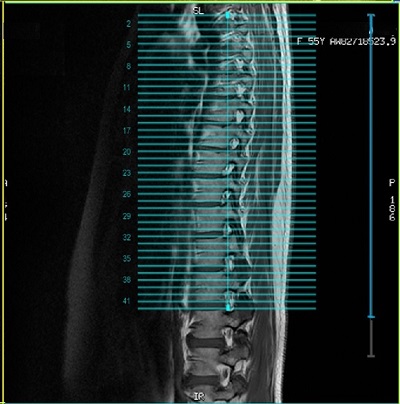
- Gray lines indicated full coil size that is available.
- Blue lines indicates the extent of the coil used.
Figure 1. Coil extent lines