- 00000018WIA30E85970GYZ
- id_400212881.2
- Mar 15, 2022 6:32:48 PM
Spectroscopy screens
The Spectroscopy screens display when a spectroscopy series is selected from the Worklist Browser, READY View is launched, and a spectroscopy protocol is selected.
For details, see Spectroscopy workflow.
- For processing threshold details, see Threshold adjustment procedure.
Review Steps

Spectroscopy screens
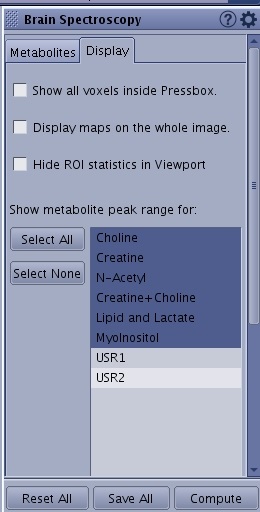
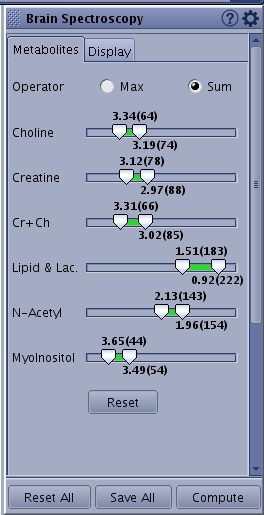
Spectroscopy screen. There are 2 main Review Step tabs from which multiple sub-tabs can be selected:
- Brain or Prostate Spectroscopy, which has sub-tabs
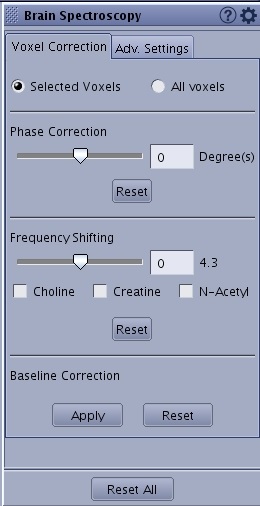
- Voxel Correction tab
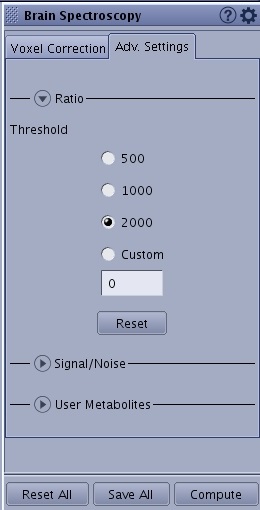
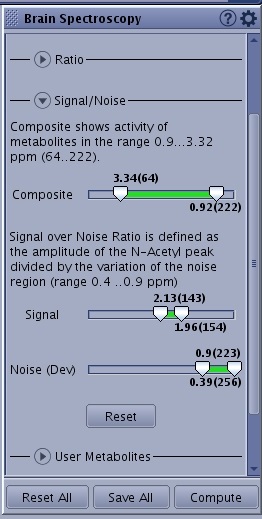
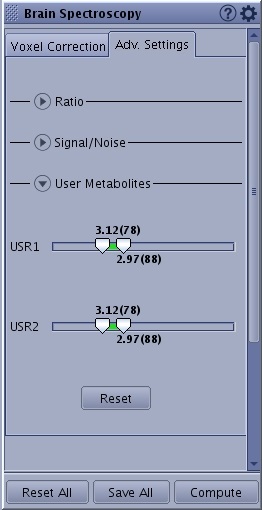
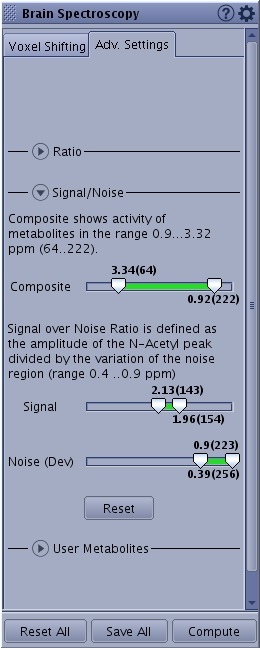
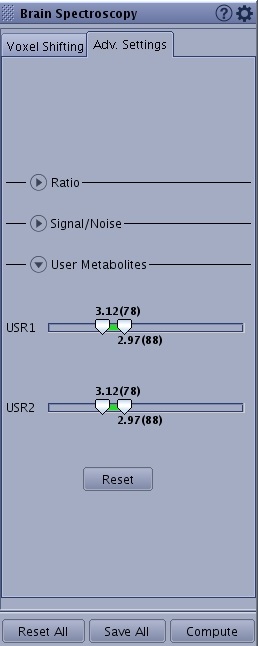
- Adv. Settings: Ratio, Signal/Noise and User Metabolites
- Metabolites, which has sub-tabs
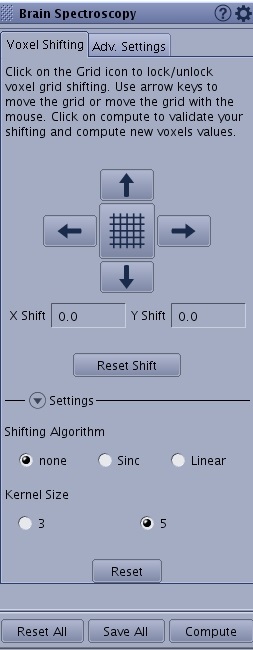
- Voxel Shifting
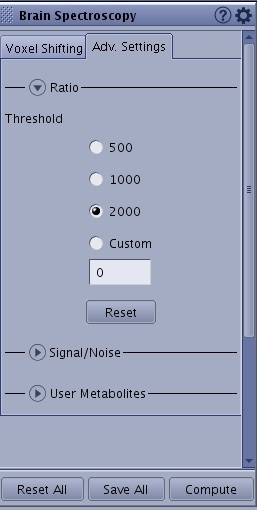
- Adv. Settings: Ratio, Signal/Noise and User Metabolites
Spectroscopy > Voxel Correction
Spectroscopy > Advanced Settings
Metabolites > Voxel shifting
Metabolites > Adv. Settings
Tools
The  displays additional spectroscopy selections.