- 00000018WIA30751870GYZ
- id_400260431.2
- Jan 27, 2022 5:49:35 PM
Tools reorder list
About this task
Use these steps to change the order of the applications on both the Data Apps list and Session Apps list so that the most frequently used applications are at the top of the list.
Step-by-step instructions
- From the header area of the screen, click the
 to open the Image Management work area.
 - Click .
Figure 1. Tools list 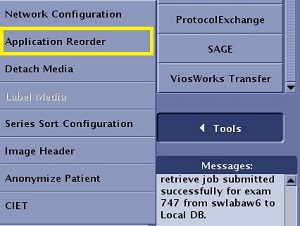
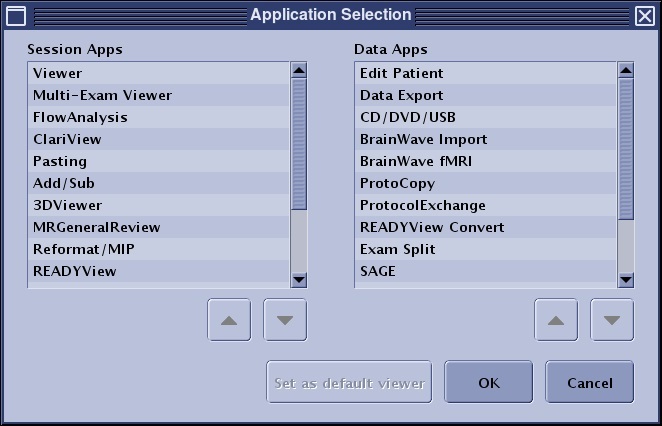
- On the Application Selection screen, click the item that you want to move in either the Sessions Applications list or the data Data Applications list.
Figure 2. Example of an Application Selection screen