About this task
Use these steps to create a distance measurement.Figure 1. Straight distance measurement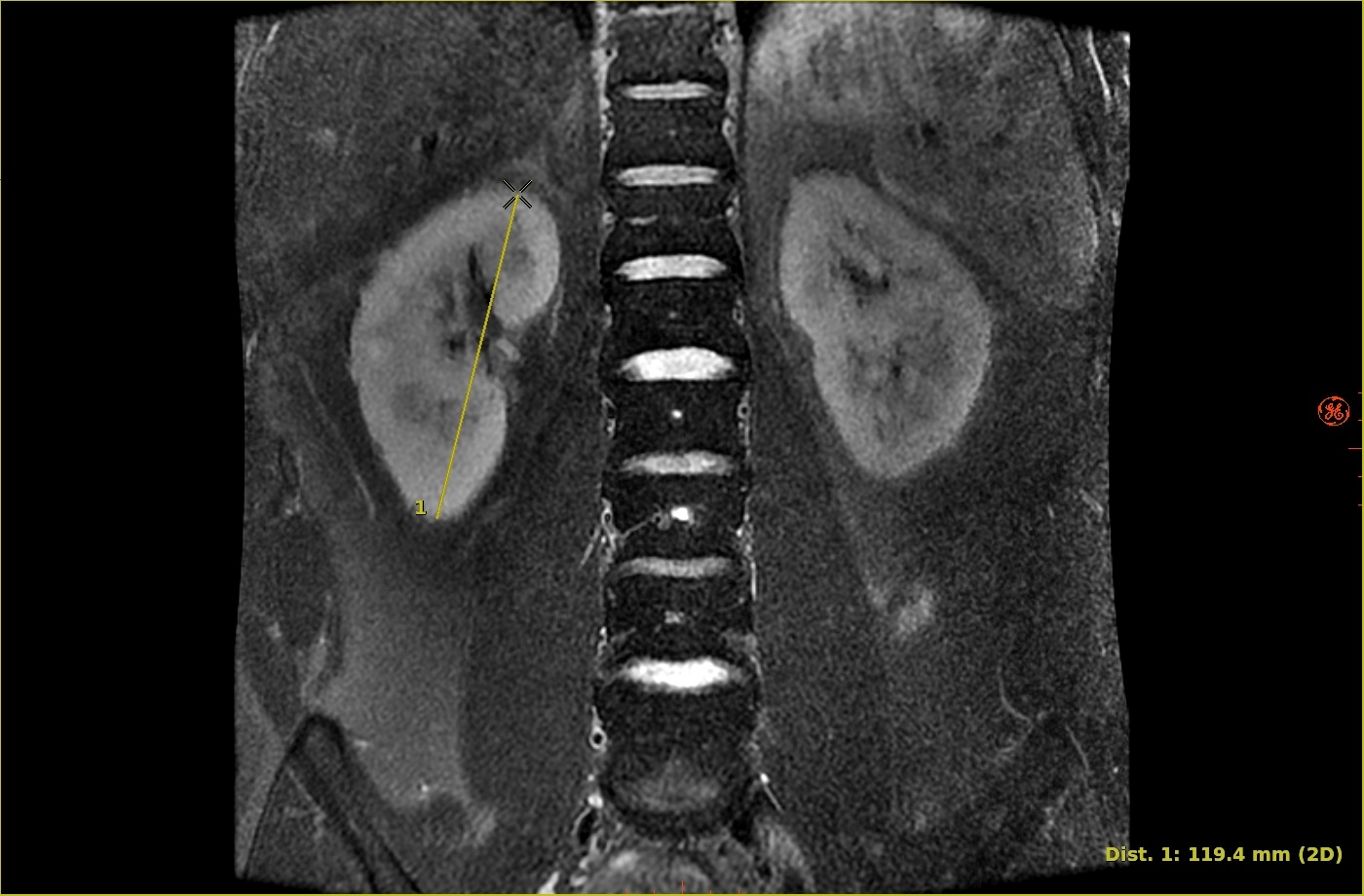
Step-by-step instructions
- Open the MR General Review.
- From the Measure/Annotate Toolbar, click the Straight Distance icon (
 ).
). - Follow these steps to deposit a measurement.
- Place the cursor on the desired image and click to deposit the first point.
- Move the cursor to the end point and click to deposit the second point.
- When endpoints are deposited on the same plane on a 2D or 3D image, the distance measurement is set as 2D.
- When endpoints are deposited at different depths on a 2D image, the distance measurement is set as 3D.
- To reshape the distance measurement, place the cursor over either end and left-click and drag.
- To deactivate the measurement, click anywhere away from the measurement within the viewport.
- To remove the measurement, see the remove image graphics procedure.

