

- 00000018WIA30D9A970GYZ
- id_400229871.4
- Mar 30, 2022 11:47:22 AM
Measure an angle
About this task
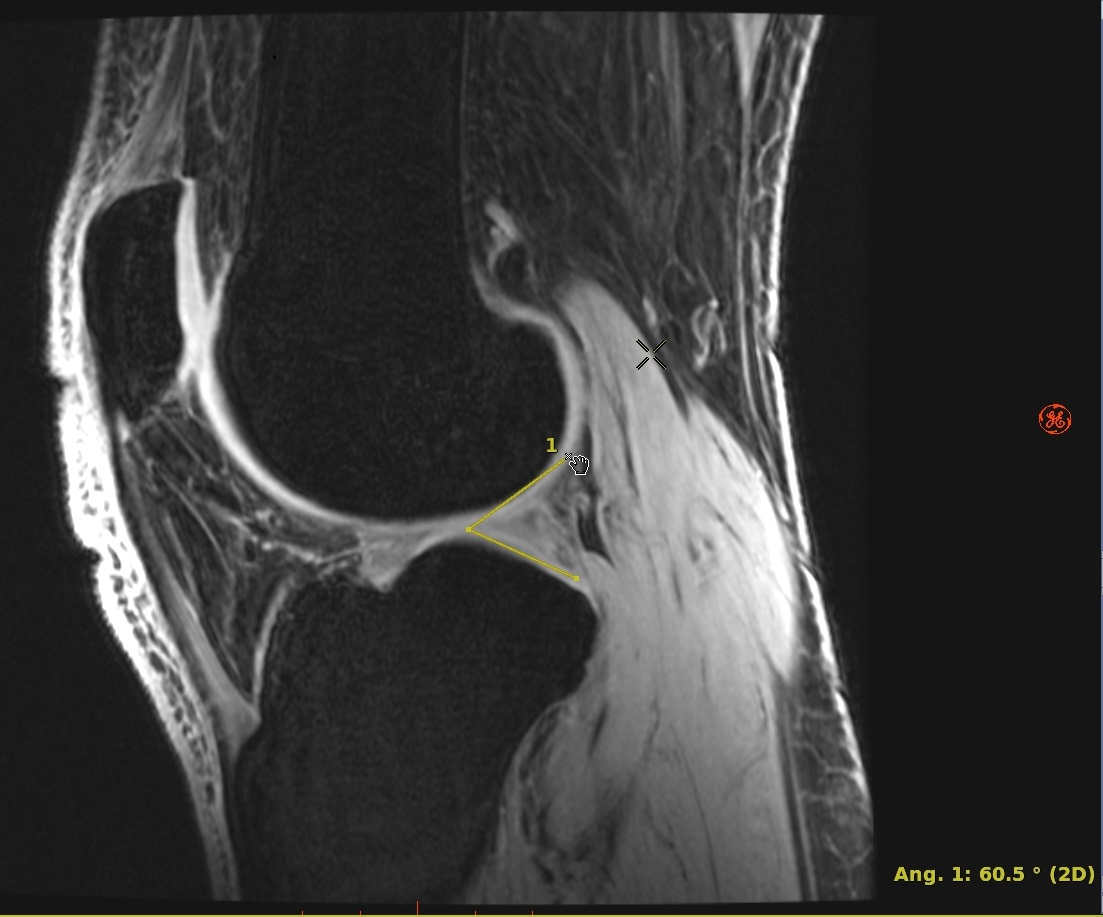
Step-by-step instructions
- Open the MR General Review.
- From the Measure/Annotate Toolbar, click the Measure Angle icon (
 ).
). - Place the cursor on the image and click to deposit three points.
- To reshape an angle, see the resize/rotate image graphic procedure.
- To remove the angle measurement, see the remove image graphics procedure.