

- 00000018WIA30129870GYZ
- id_400252301.2
- Feb 7, 2022 2:21:16 PM
Fluoro Trigger
About this task
Once you click Go 3D on the Fluoro Trigger screen, the system starts scanning as soon as the delay time has elapsed.
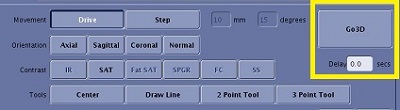
You need to program enough time to deliver the breath hold instruction and for the patient to react and then execute the instruction. This typically takes approximately 7 seconds.
Step-by-step instructions
- From the Scan Parameters screen menu bar, click the
 .
. - From the AutoVoice screen, complete the following steps.
- From the Language menu, select the desired language.
Figure 2. Language menu 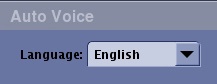
- From either the GE or Site message list, select a message.
Figure 3. Message list area 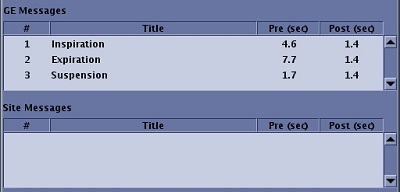
- In the Preset Delay Time field, enter a Delay Time that adds up to the desired amount of time.
Figure 4. Preset Delay Time field 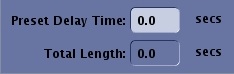
- The Delay Time on the User CV Advanced tab has a minimum value based on the total length of time displayed on the AutoVoice screen.
- From the Language menu, select the desired language.
- Click Accept.