Step-by-step instructions
- Open the MR General Review.
- Place the cursor over an ROI or angle and click to make it active.
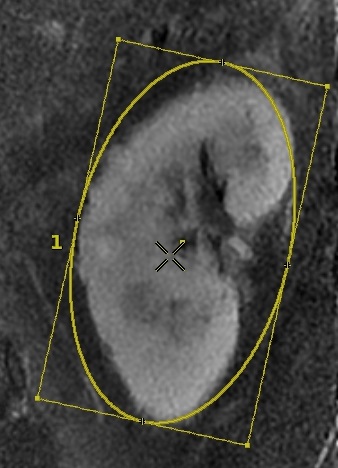
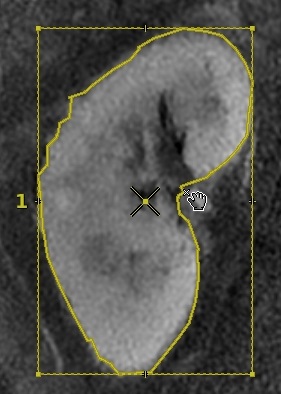
- Follow these steps to change a box, ellipse or trace.
- Click and drag any of the corner boxes to resize it.
- Click and drag any of the tick marks along the edge of a box to rotate the graphic.
- Click and drag the edges of a trace to change the trace shape.
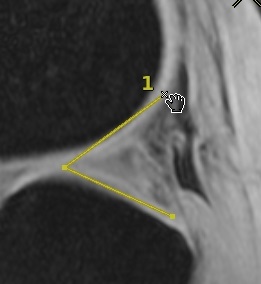
- Click and drag any of the deposited points to reshape an angle graphic.
- When all graphic modifications are done, to deactivate the measurement, click anywhere away from the measurement within the viewport.