- 00000018WIA30277870GYZ
- id_400243371.2
- Mar 28, 2022 9:57:51 AM
HIS/RIS
The ConnectPro MR application allows you to download a modality worklist to your MR system. The MR system must be configured to obtain data from the HIS/RIS system and to map protocols to action items. The actual configuration must be done by a service engineer with the assistance of the facility’s Information Technology department. Through the HIS/RIS and SCP tabs on the Guided Install panel, the server and port setup and the SCP (charge codes used by the scanning facility when billing insurance) can be established.
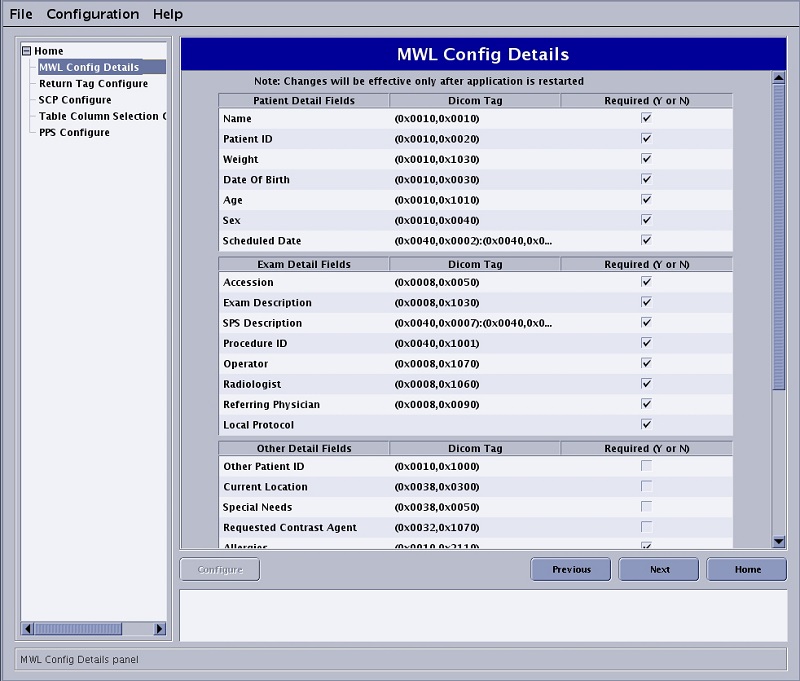
MWL Config Details
Displays the Modality Worklist fields that can be selected or deselected by checking the Required box.
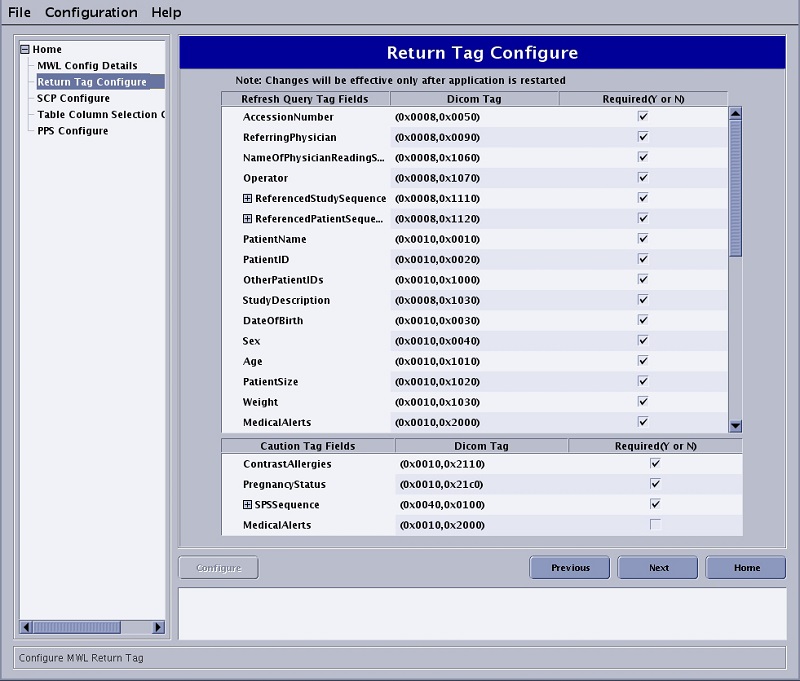
Return Tag Configure
Displays the refresh tag fields that can be selected or deselected by checking the Required box.
SCP and PPS Configure
Displays fields that need to be completed so that your MR system communicates with your HIS/RIS system.
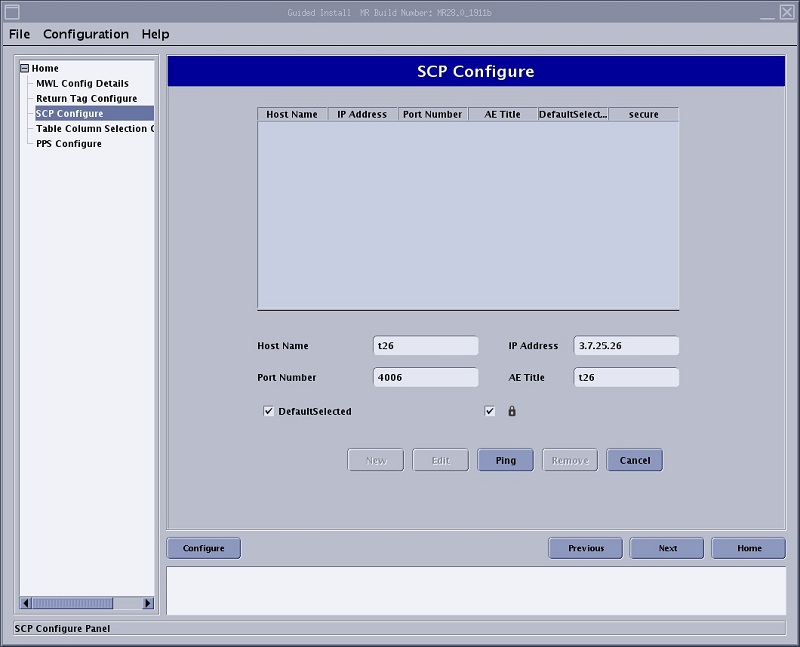
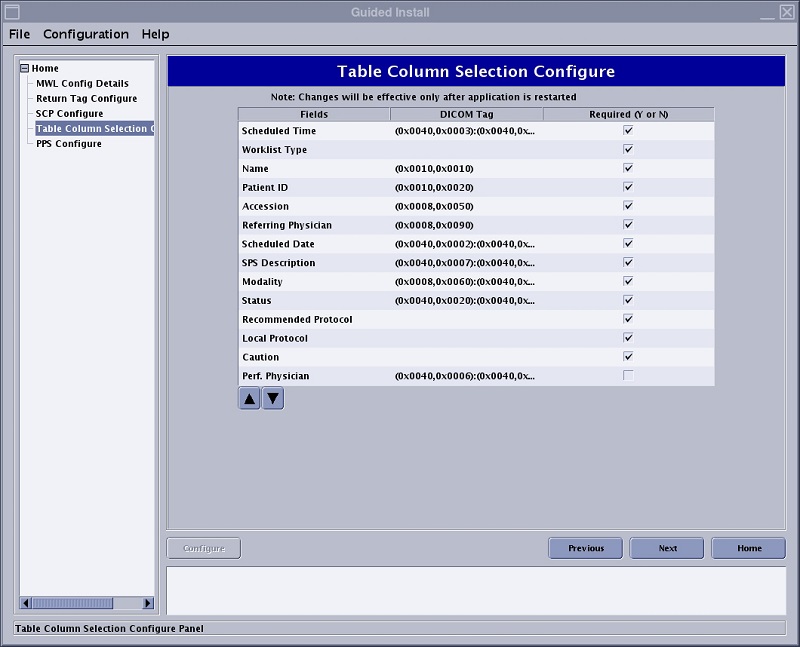
Table Column Selection Configure
Displays the column headers that appear in the Worklist Manager. They can be selected or deselected by checking the Required box.
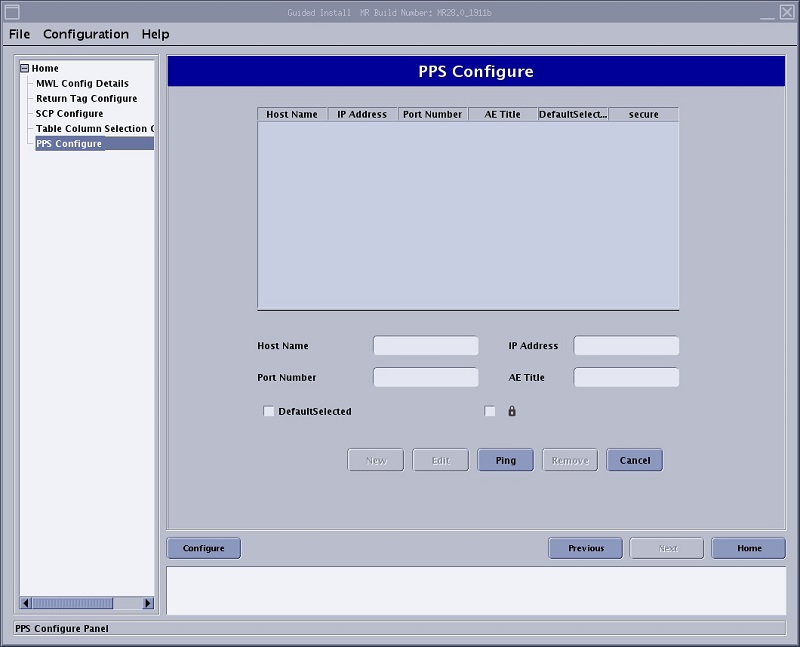
PPS Configure
Allows you to add, edit or ping PPS stations.