- 00000018WIA30D50970GYZ
- id_400260381.2
- Mar 16, 2022 6:26:46 PM
Threshold adjustment
About this task
Use the following information to adjust the threshold. The Processing Thresholds panel is common to all protocols except those for MR spectroscopy and T2Map.
READY View computes, by default, the functional values for the entire data set. You can dynamically update the threshold for both the source and maps except for T2Map protocols.
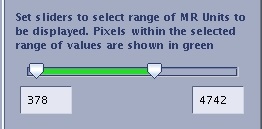
The low and high threshold sliders allow you to define the range of MR values (pixel values) that will be processed by the protocol (shown by green hatching on the image).
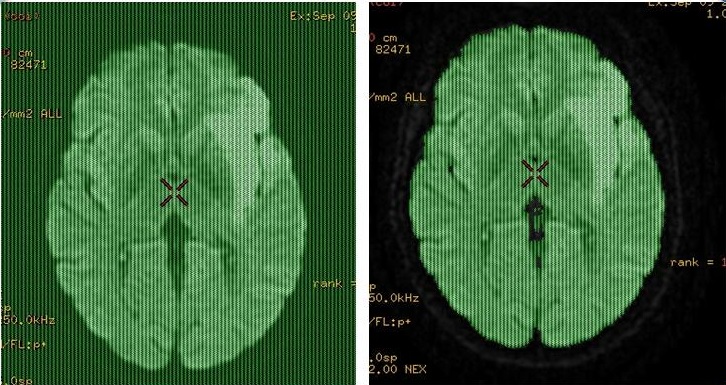
All pixels with MR values outside the defined range are masked out, that is they are not processed and appear black in the function views. Non-relevant image data, such as air spaces (including the empty space outside the patient), do not appear on the functional maps, making for easier interpretation of the resulting image.
Step-by-step instructions
- Display a source image in a viewport.
Figure 2. Threshold slider, left slider = low threshold, right slider = high threshold