- 00000018WIA30958870GYZ
- id_400256901.4
- Apr 15, 2022 3:49:28 AM
ProtoCopy
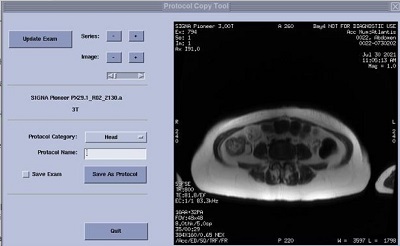
ProtoCopy is an application used to copy the scan parameters from an image into a protocol on your MR system.
| Parameter | Description |
|---|---|
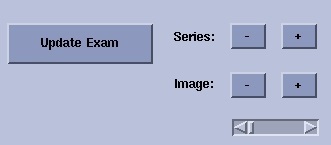
| Update Exam, Series, and Image
| Use Update Exam to change the displayed exam to the one selected in the Patient List. The exam from which you want to copy the parameters must be the one displayed. The plus or minus buttons next to Series or Image and the slider bar are used to view the next or previous series or image. |
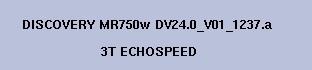
| Example of Field Strength and Gradient Slew Rate display
| If the filed strength or gradient fields mismatch between the protocol you are copying and your system configuration, an error message is displayed above the Quit button. |
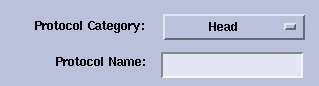
| Protocol Category and Name
| Select a protocol category from the menu and enter a protocol name in the text field. |
| Save Exam and Save as Protocol
| You cannot add more series to a saved protocol. To save more than one series in the protocol, be sure to select Save Exam. You can delete unwanted series from the Protocol Manager. |
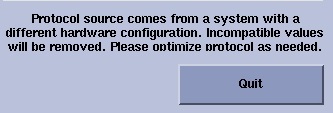
| Protocol Messages/Quit
| The Protocol Message area is located above the Quit button and posts all related messages. |