

- 00000018WIA3005E770GYZ
- id_400263231.4
- Feb 14, 2022 11:18:00 AM
Slider
About this task
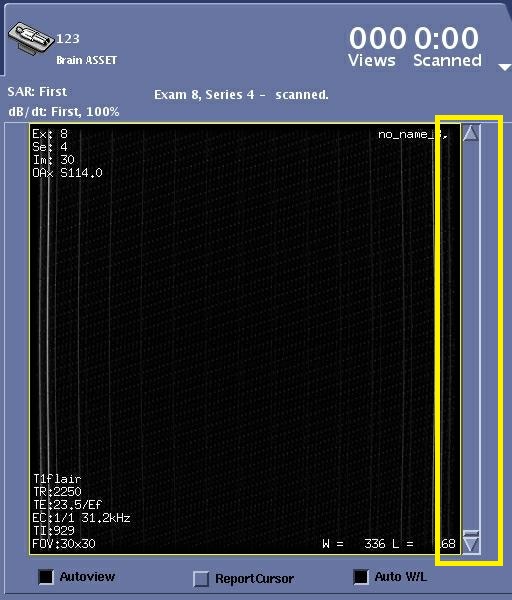
Images are displayed in AutoView based on reconstruction order and not location order. To view the images by location, click and drag the AutoView scroll bar, which re-orders the images by location.
There are times within an exam, when the size limit of the AutoView buffer is reached resulting in no image displayed when the AutoView scroll bar
Step-by-step instructions
- To scroll images in the currently active series, click and drag the slider bar.
Figure 2. Slider bar 
- To view one image at a time, place the cursor over the arrow and click.
Figure 3. Slider arrow 