- 00000018WIA309F2870GYZ
- id_400224501.2
- Feb 11, 2022 11:38:48 AM
Open the MR Service Desktop
About this task
Step-by-step instructions
- In the header area, click the
 to open the System Management work area.
 - From the Service Desktop Manager screen, click Service Browser to open the MR Service Desktop.
Figure 1. Example of Service Desktop Manager screen 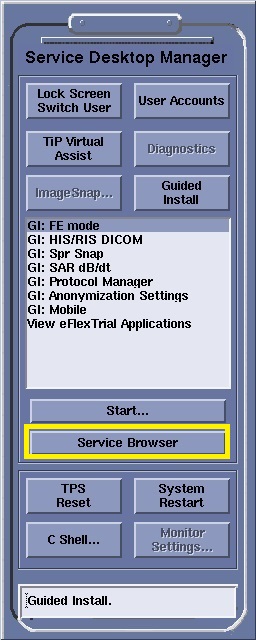
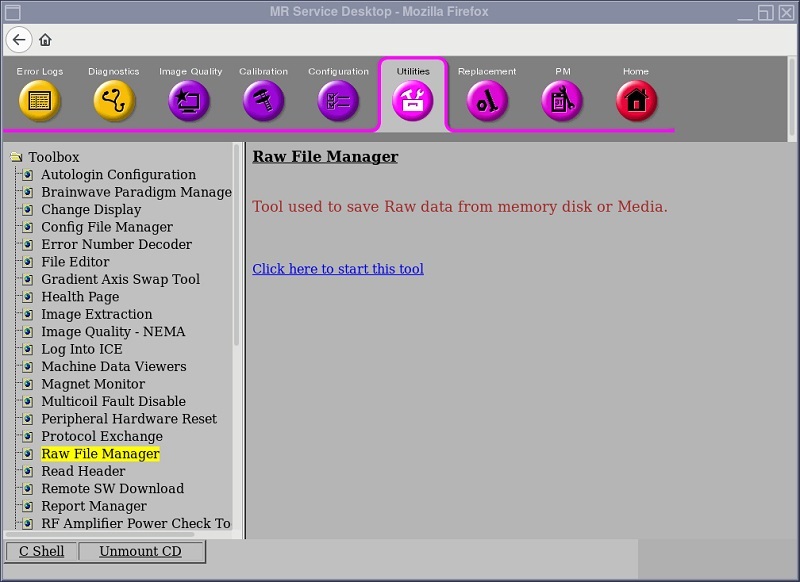
Figure 2. Example of an MR Service Desktop screen