

- 00000018WIA30BAE770GYZ
- id_400233241.3
- May 4, 2022 5:36:07 PM
Service Pack icons
Once the MR system is up and operational, if a software download is available, an icon appears in the footer area of the screen.
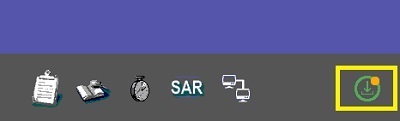
The icon changes based on conditions described in the table below.
| Icon | Description |
|---|---|
 | Download icons display when a software is available for download () and percentage of completion once the download begins. Click the icon to see an information screen about the service pack. Click Close to close the information screen. Once you start the download, the icon updates as the download progresses, for example:
|
 | Resume icon displays if you have paused an install by clicking the pause download icon. You can toggle between the pause and resume icons.
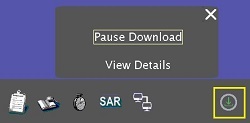 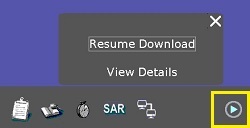 |
 | Install icon displays when a service pack has been successfully installed. The icon automatically turns off 20 seconds after it is displayed. |
 | Fail icon displays when a service pack has failed to install. The icon automatically turns off 20 seconds after it is displayed. |
 | Backoffice icon displays when the MR system is connected to Backoffice. The frequency at which the system checks Backoffice for software updates is every 24 hours. |


