- 00000018WIA30157870GYZ
- id_400265471.2
- May 4, 2022 6:19:26 PM
Decline updates
Important: If you decline the remote software patch, then your service engineer must install the patch at your facility.
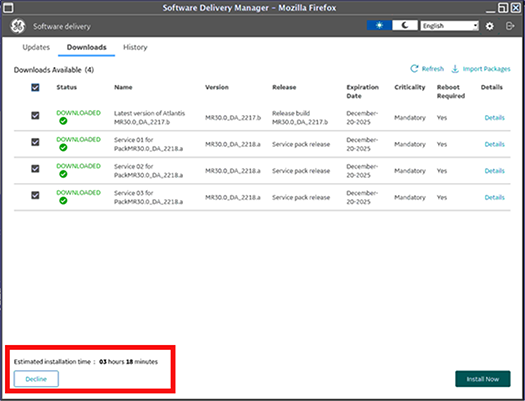
To decline updates, select the Decline button on the Downloads tab.
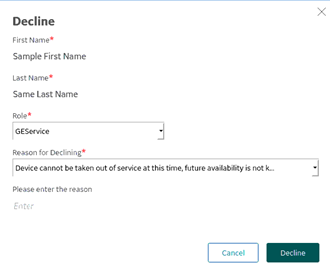
In all modes, if you select Decline, the following screen appears, from which you must enter text in all fields:
- First Name
- Last Name
- Role
- Reason for Declining
Once the text fields are completed, click Decline.