- 00000018WIA3072E770GYZ
- id_400223791.2
- Jan 31, 2022 3:32:22 PM
Film
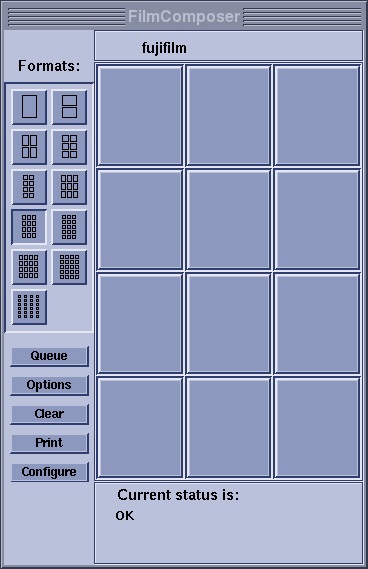
The Film Composer is the interface with your camera. It allows you to film images for permanent storage. The images are first placed on the Film Composer, and then printed. A Film Composer can be opened for every session.
The Film Composer screen is the interface with your camera
| Parameters | Description |
|---|---|
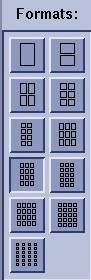
| Format
| The format icons select the arrangement of images on a sheet of film. Format selection options depend on your camera settings. |
| Camera name
| The name of the current camera displays at the top of the Film Composer. |
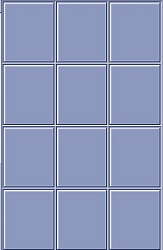
| Camera Frames
| The Film Composer displays the number of frames to reflect the selected format. |
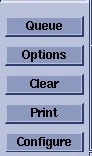
| Camera buttons
| Click Queue to display the jobs that are waiting to be printed on any dedicated or networked cameras on the Queue screen. Click Options to customize the Film Composer on the Print Options screen. Click Clear to erase the current images displayed in the Film Composer. Click Print to manually print the images displayed in the Film Composer. Click Configure to make additions, deletions, or changes to a camera or printer to communicate with your system. |
| Film status
| The Current Status area displays the current status of your camera. |