About this task
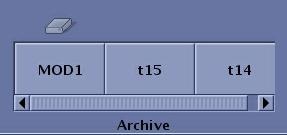
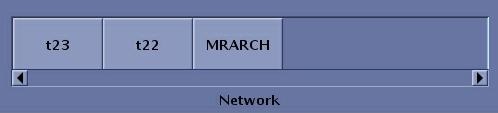
Use these steps to add an archive or network node to the footer area of the screen.Step-by-step instructions
- Navigate to the Image Management work area.
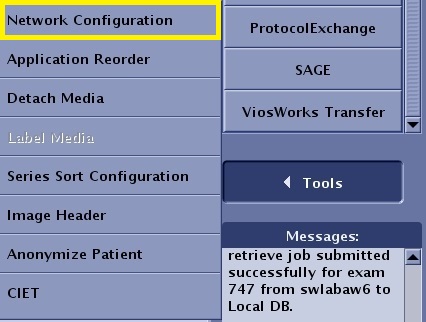
- From the Tools menu, click Network Configuration.
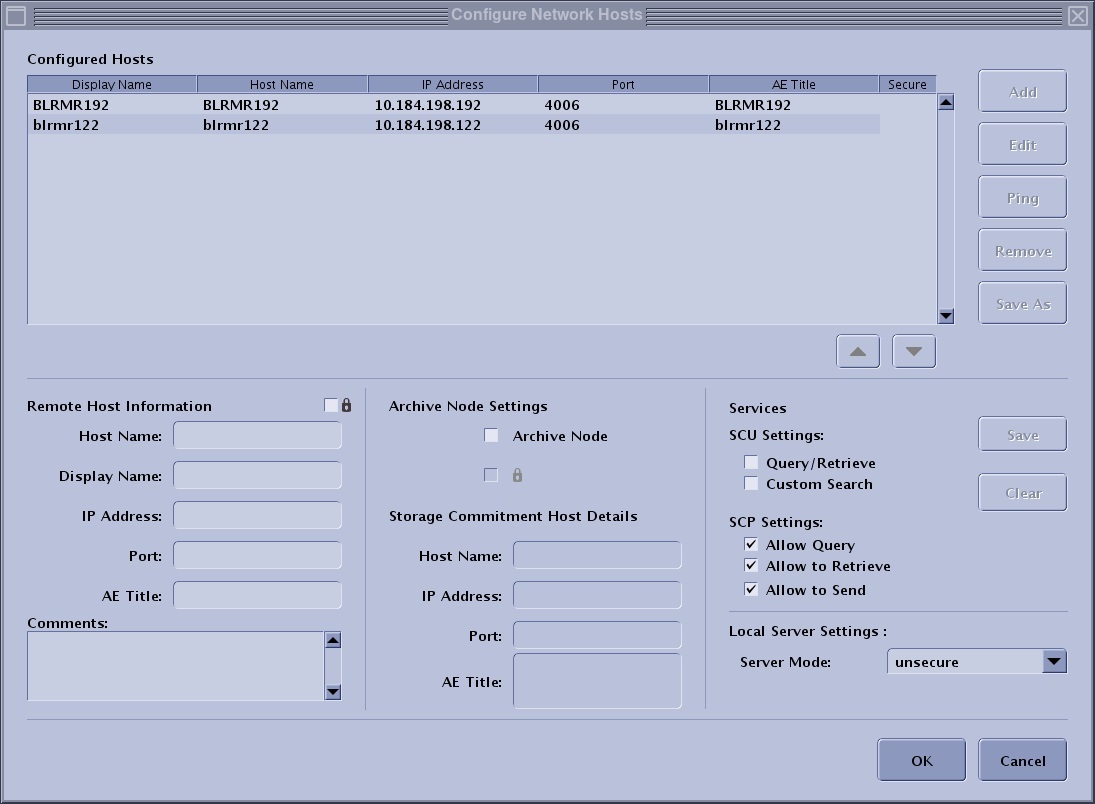
- Select a host from the Configured Hosts list that you want to add to the archive list located at the bottom of the Image Management screen.
- From the Configuration Network Hosts screen, click Edit.
- If the node you want to define as an archive device is not on the Configured Hosts list, you must add it to the list.
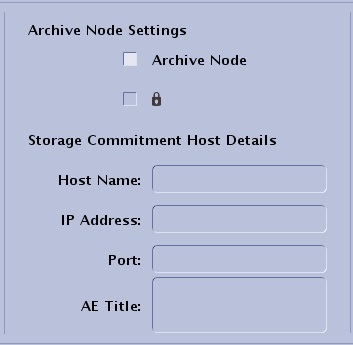
- From the Archive Node Settings area, select Archive Node.
- Click Save to add the node to the Archive Destination list.
- Click OK.
- The node is added to the appropriate destination list.