- 00000018WIA30B5D770GYZ
- id_400223341.3
- Jan 13, 2022 10:25:29 AM
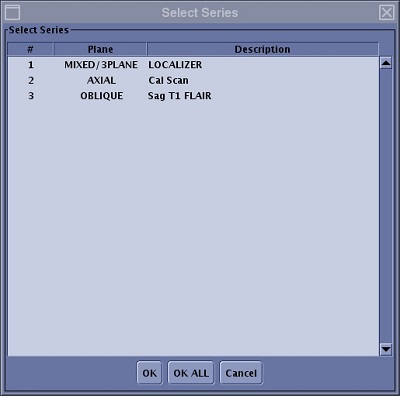
Select Series
About this task
The Select Series tool allows you to select a series other than the 3-Plane localizer to display in Graphic Rx viewports. Each of the three viewports can display an image from a unique series, i.e., all the images displayed need not be from the same series. The advantage of displaying an image from an unique series in Graphic Rx, is that the image quality of the scanned series can be superior to that of a 3-Plane Localizer and thus potentially make slice positioning easier.
Step-by-step instructions
- From the Graphic Rx Toolbar, click
 to open the Select Series menu.
Figure 1. Select Series menu