

- 00000018WIA305CF770GYZ
- id_400213391.3
- Mar 29, 2022 2:04:28 PM
VR: adjust the transparency of objects on a volume rendered merged image
About this task
Step-by-step instructions
- From the Visualization Toolbar, click the Objects icon (
 ) to view the Multi-Objects screen.
Figure 1. Multi-Objects screen 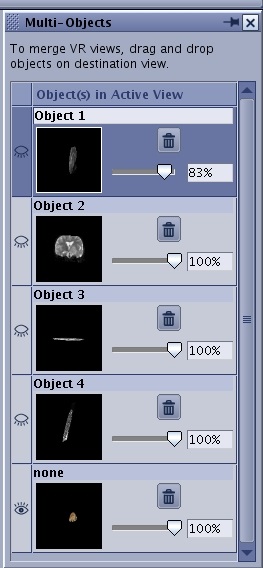
- Click the Hide icon (
 ) or Show icon (
 ) to hide or show the structures.
 - Click the Trash Can icon (
 ) to remove a structure.