

- 00000018WIA30AFE770GYZ
- id_400264231.2
- Mar 9, 2022 5:53:32 PM
Review steps work area
The Review steps area is located at the top of the MR General Review screen.
All protocols have pre-built steps in the Review Steps list to provide a suggested sequence of image review and analysis. You can build a workflow into the Review Steps and save the content of the Review Steps list using the Review Manager.

| Number | Description |
|---|---|
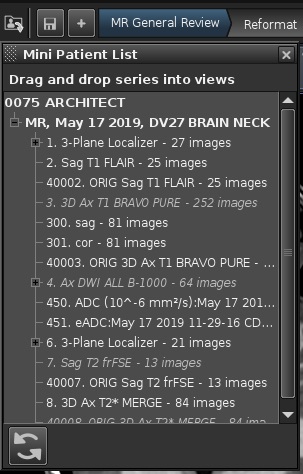
| 1 | The  displays a Patient list/browser so that you can navigate to a series within the MR General Review. displays a Patient list/browser so that you can navigate to a series within the MR General Review.
 |
| 2 | The  is only active if you are saving a review step. is only active if you are saving a review step. |
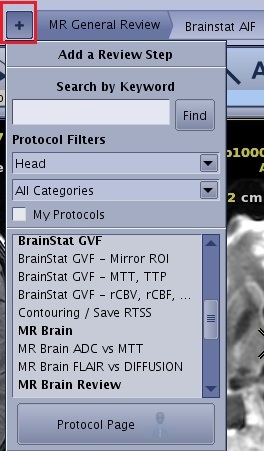
| 3 | Click the  to open/close the Protocol List screen to open/close the Protocol List screen
 |
| 4 | Review steps area buttons are based on the one-click |
 | The Review steps arrow icons (not shown) allow you to scroll left and right through Review steps when they don't all fit within the screen. |