- 00000018WIA30248970GYZ
- id_400226111.4
- Mar 28, 2022 1:57:42 PM
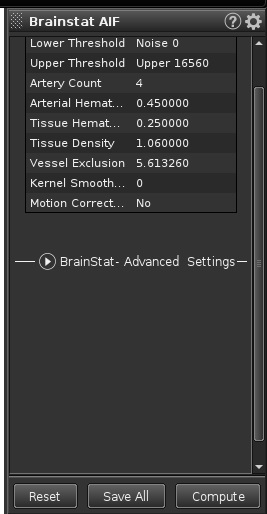
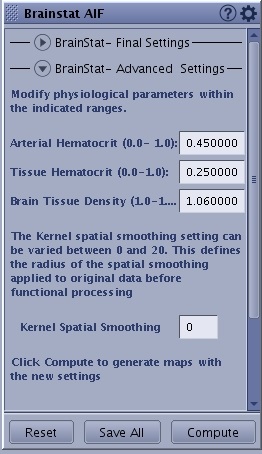
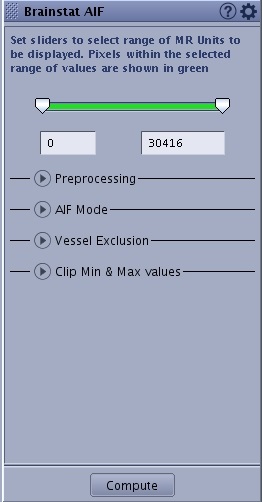
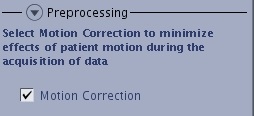
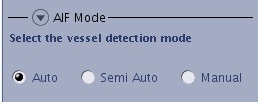
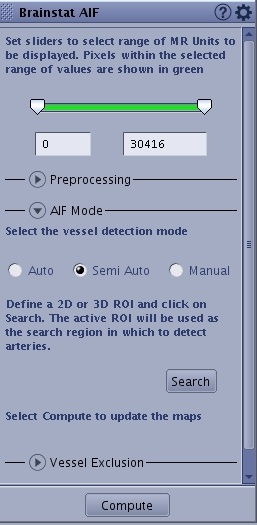
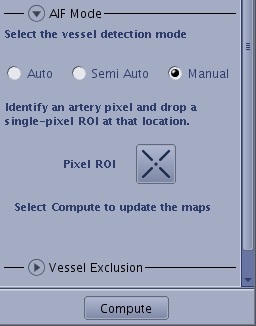
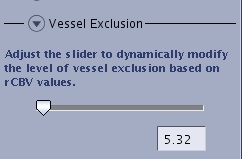
BrainStat AIF screens
The BrainStat AIF screen displays when a time-course series is selected from the Worklist Browser, READY View is launched, and a BrainStat AIF protocol is selected.
Review Steps
Review Steps content may vary if they have been customized and saved.

AIF screens
Tools
The Tools icon ( ) displays additional BrainStat AIF selections.