To change T2 Map settings, make a selection from the desired T2 Map screens.
Step-by-step instructions
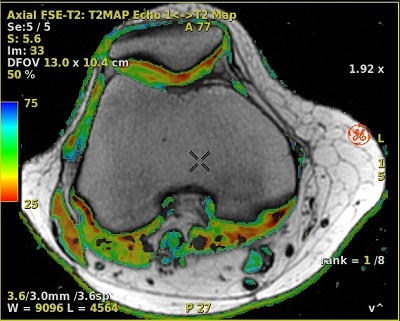
From the T2 Map screen, click the T2 Map settings arrow and adjust the settings.
The threshold eliminates trailing echoes whose intensity falls below the noise floor. Typically set the Algorithm Threshold to 20.
The confidence level indicates how well the final result fits the data: a small value corresponds to high confidence and a large value corresponds to low confidence. You can set a confidence level threshold: pixel locations for which the algorithm returns a confidence level above the threshold are displayed in black on the functional map. By default, the protocol uses a confidence level of (0.05).
The Kernel spatial smoothing default value is 2. As the kernel size increases, voxel averaging occurs and the image maps appears smoother.
If you change a parameter, click Compute to generate maps with the new settings.


 ).
).
 ).
).