

- 00000018WIA308D3870GYZ
- id_400270061.8
- Mar 20, 2022 5:32:34 AM
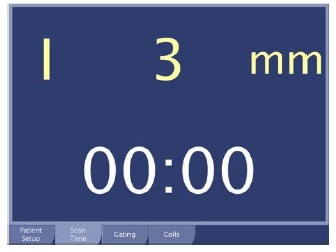
In-room display scan time and table location screen
The in-room display of the scan time and table location is not interactive. It displays the scan time remaining and the table location.
Scan Time icons
There are several icons that can display on these tabs: Patient Setup, Gating, Coils, and Fan Light. The icons appear in the scenarios described in the table. They must be resolved so that you can proceed to scan.
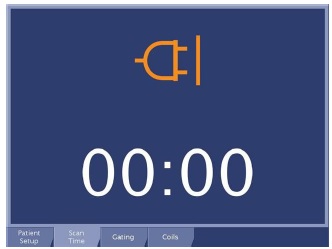
| Scan Time icon | Description |
|---|---|
 | This icon represents that the table needs to be raised. The animation of the vertical table icon moving up and down stops once the table is all the way up and can connect and move into the bore. The icon then becomes still when the table is at the full up position. |
 | This icon indicates that the table has no home or has lost the home position. The animation of the home icon flashing stops once the table is in the home position. |