About this task
Use these steps to save a single image that you can view, film or archive/network.Step-by-step instructions
- Open MR General Review.
- Click the viewport of the image you want to save to make the viewport active.
- From the Export Toolbar, click the Save Image icon (
 ) to view.
Figure 1. A camera icon appears in the viewport.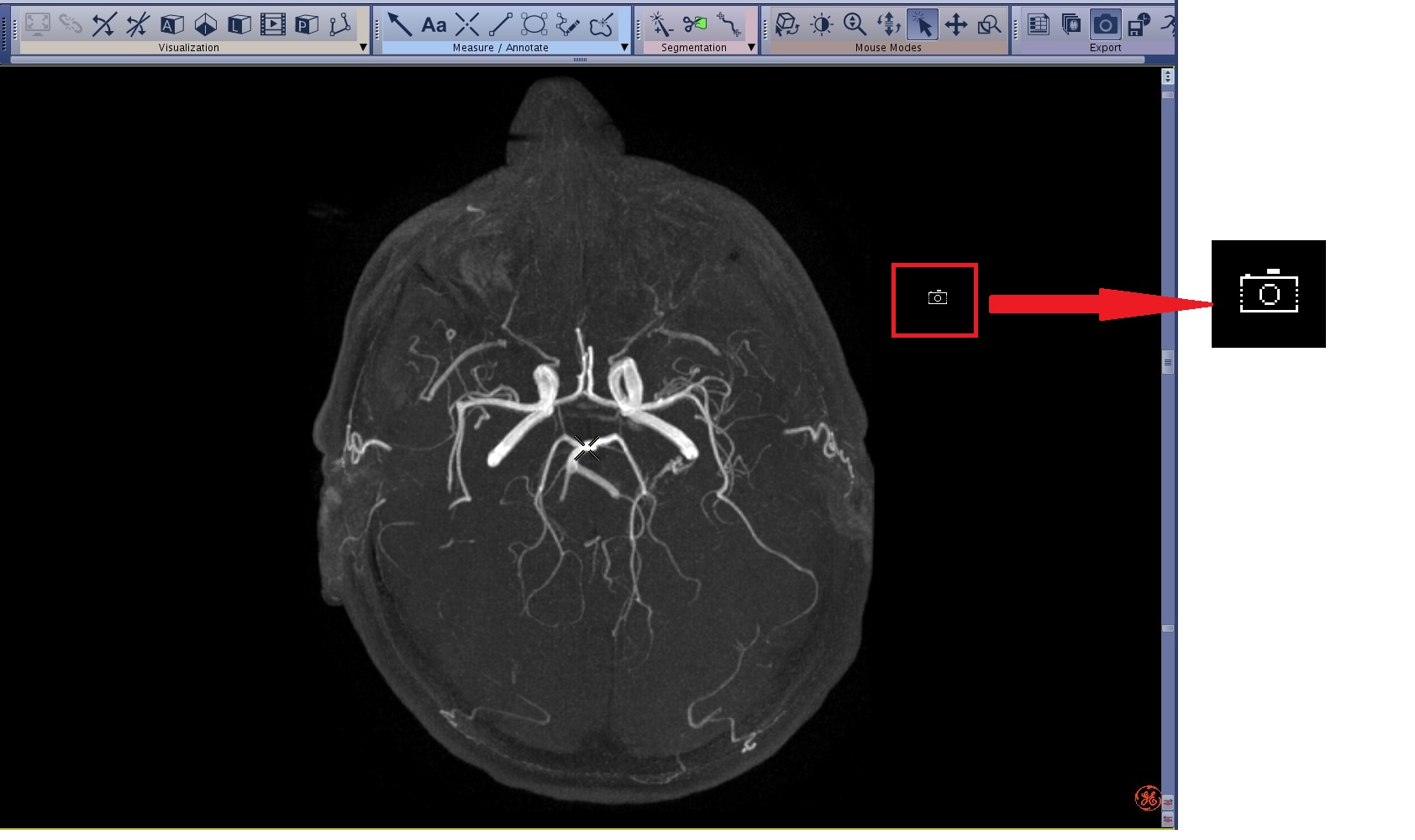
- Click the viewport with the camera icon to save the image.
The default save format is a screen capture and RFMT image type as displayed in the Patient list.
- Additional prompts may appear based on selections made from the Export Preferences screen, such as a description name.

