

- 00000018WIA302EA970GYZ
- id_400262461.2
- Mar 9, 2022 12:27:55 PM
Display preferences: customize W/L presets
About this task
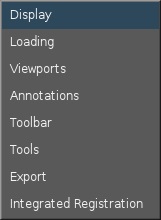
To view the Display Preferences screen, from the MR General Review work area, click the  in the upper right corner. From the Preferences menu, click Display.
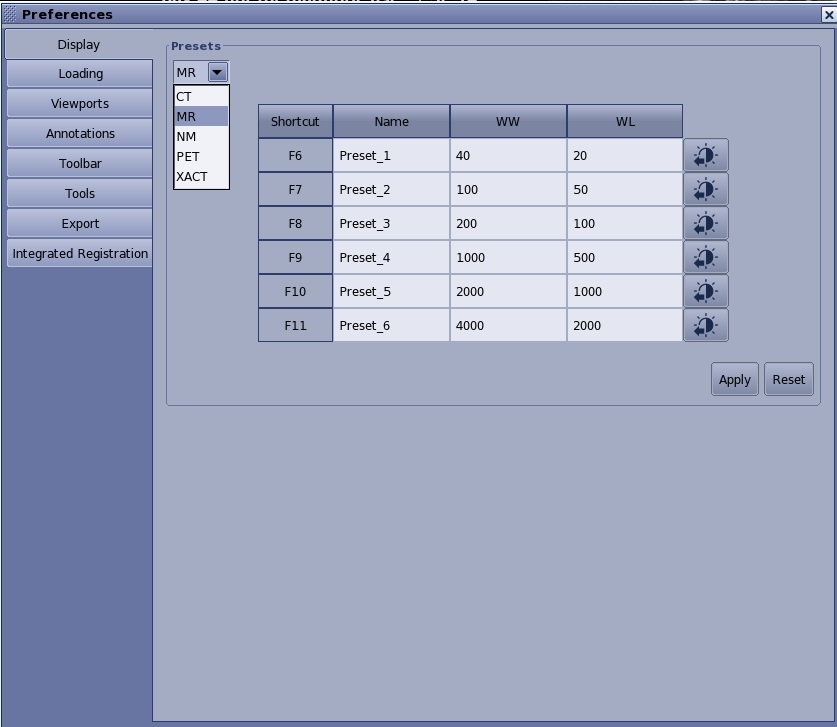
Use these steps to customize the W/L Preset selections so that the window width and level are applied when you press a shortcut keyboard F6-F11 button.
Step-by-step instructions
- From the Presets menu, select MR.
- Determine which function key (F6-F11) you want to assign W/L values.
- In the Name field, type and enter a name, for example Head.
- In the WW field, type and enter a window width value.
- In the WL field, type and enter a window level value.
- Alternatively, adjust the W/L within a viewport and click the
 . The WW and WL fields are populated with the W/L of the active viewport.
 - Click Apply to save the values in the Display Preferences screen.
- Click Reset if you want to reset the values in all the fields to their original default values.